Skip to Content
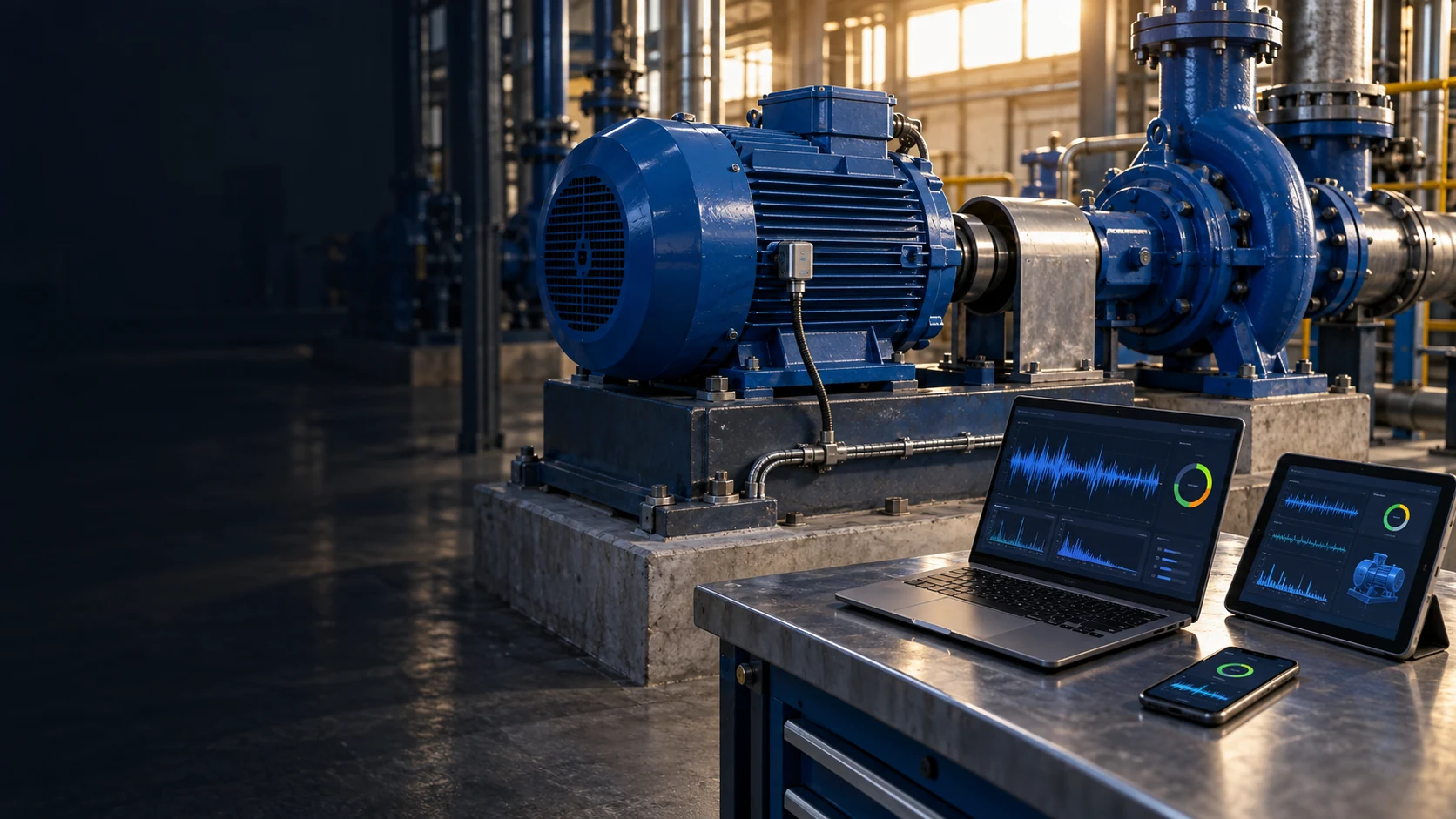
Industrial motor and pump with vibration sensors
Vibration Management System

Vibration data supports machinery inspections

Vibration has changed.
Where should the inspection start?

Changes in sound or behaviour can precede a machine stoppage. The Vibration Management System shows vibration trends, temperature and alerts to support maintenance inspections.

Talk to us
Vibration trendsCondition alertsInspection planning
Vibration analysis on a motor and pump with laptop, tablet and phone
Vibration Management System application dashboard
Vibration Management System on a tablet
Vibration Management System on a phone
These screenshots use sample data.

Explore the demo

Explore machinery vibration trends

Select a sample machine to review vibration, temperature and alert history. Compare current readings with earlier trends to identify points for inspection.

MachinerySelect a machine to inspect
Vibration trendsCompare current and earlier readings
AlertsReview the machine’s event history
Try the menus in the screen below
Vibration Management System on a MacBook

The demo uses sample data. Open it full screen to explore the details and menus.

How the system works

Vibration history helps technicians
assess changing conditions

A single vibration reading may not explain the machine’s condition. Trends, temperature and operating conditions provide context for an inspection.

Talk to the DigitechX team

Start with the machines
that need closer attention

Describe the machinery, the symptoms observed and the current inspection method. DigitechX can help review measurement points and the data to track.
Discuss the current problem

We discuss how the work is done and what needs to improve.

Review data and equipment

We review available data and connection requirements with the site team.

Agree on the project scope

Together, we agree where to start and which tasks to include.

Feature details

Vibration readings are organised by machine

Readings from measurement points are shown for the selected machine.

Measurement points and sensors need to suit the machine type and operating environment.

Feature details

Trends reveal changes in readings

Historical data allows current readings to be compared with periods of normal operation.

Technicians should consider operating speed and load to distinguish changes in use from unusual behaviour.

Feature details

Alerts identify points for inspection

Alerts show events needing attention alongside the machine’s records.

An alert calls for investigation; it does not confirm a failure cause. The machine needs to be inspected before a conclusion is drawn.

Feature details

History supports maintenance planning

Vibration data and past events support planning for machinery inspections.

When a trend needs follow-up, maintenance staff can use the data to choose inspection points and coordinate a suitable time.