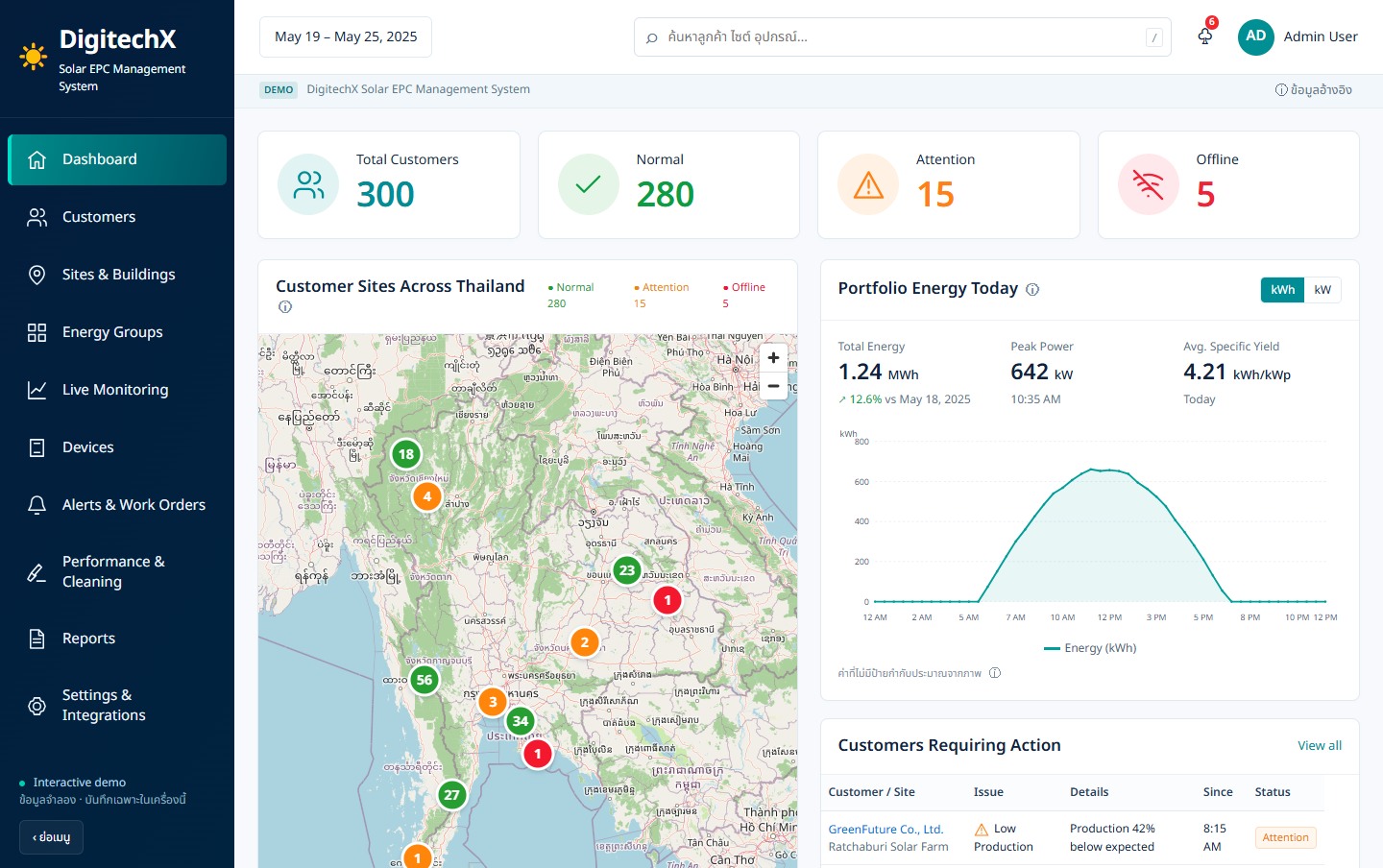
Start with one site record
Collect one site’s equipment list, handover documents and service history, then check that the service coordinator can find the required records.
What to measure before and after a pilotTime to retrieve the history before assigning a technician
Start with one service-job type
Identify service stages, the information needed at each handover and who checks the completed work.
What to measure before and after a pilotWaiting time by stage and unassigned jobs
Start with one maintenance cycle
Choose a scheduled maintenance task, then decide how to record its results and who receives the report before applying it across sites.
What to measure before and after a pilotCompleted scheduled work and outstanding tasks
Connect handover records with the service history that follows.
Separate ownership, service scope and access rights.
Provide a task brief and evidence for each handover.
Review the forms your company uses and identify who needs to confirm each record.
Review identifiers, statuses and access, then agree which system owns each record.
Identify the step where records are missing, then assess extending the current system or adding an interface.
Choose one recurring task and measure time or discrepancies before and after a pilot.
Include a busy period in testing so results are not based only on quiet days.
Define the expected workload and new requirements before assuming the entire system must change.
The demo focuses on site records and after-installation service. Project scope follows the actual workflows required.
Copied. Paste the summary into your message to DigitechX.Copying is unavailable. Please download the summary instead.