
Skip to Content
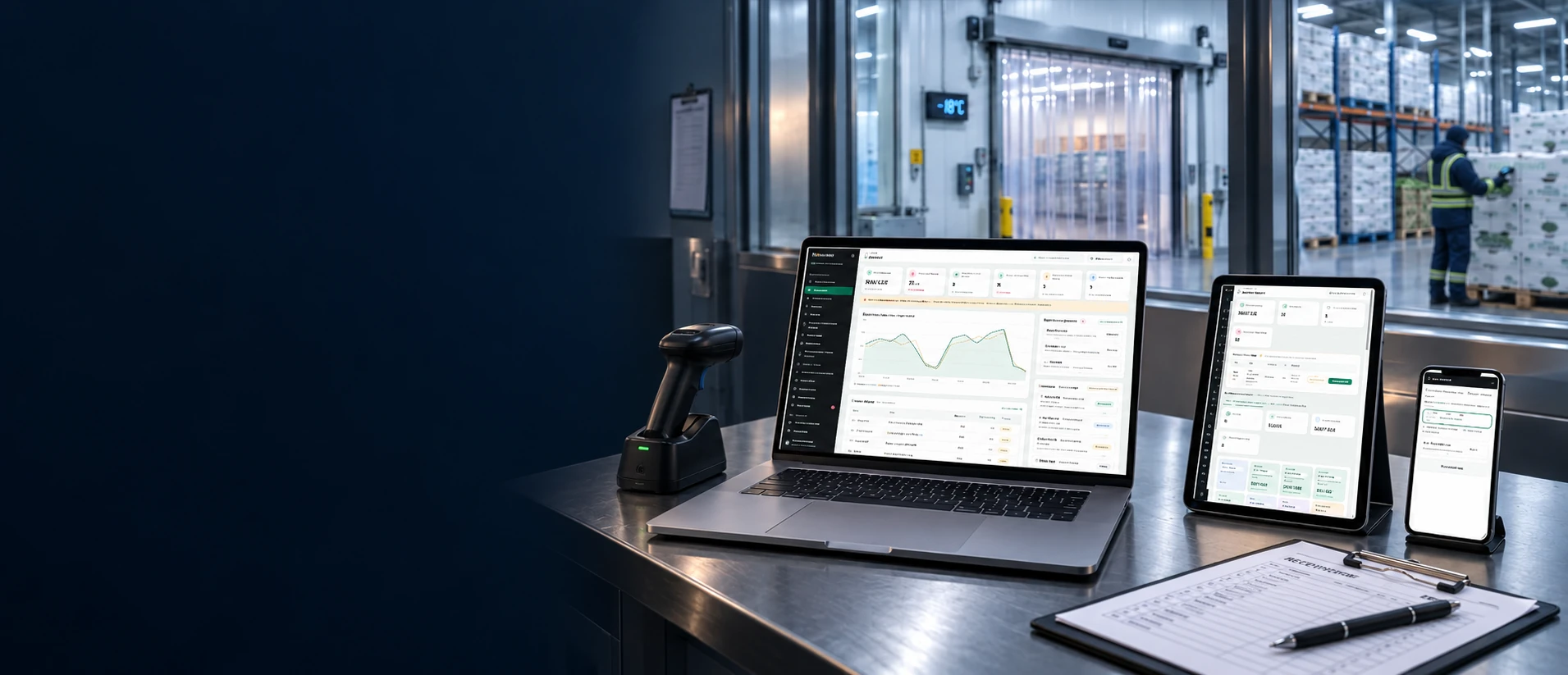
Illustrative WMS workstation beside a cold store, with a worker checking stock in the background
WMS Cold Chain

For temperature-controlled warehouse service providers

Manage your temperature-controlled warehouse

Track each depositor’s stock by lot, quantity and weight, connecting receiving, dispatch and the services your warehouse bills for.

Owners and lotsQuantity and weightStorage conditions
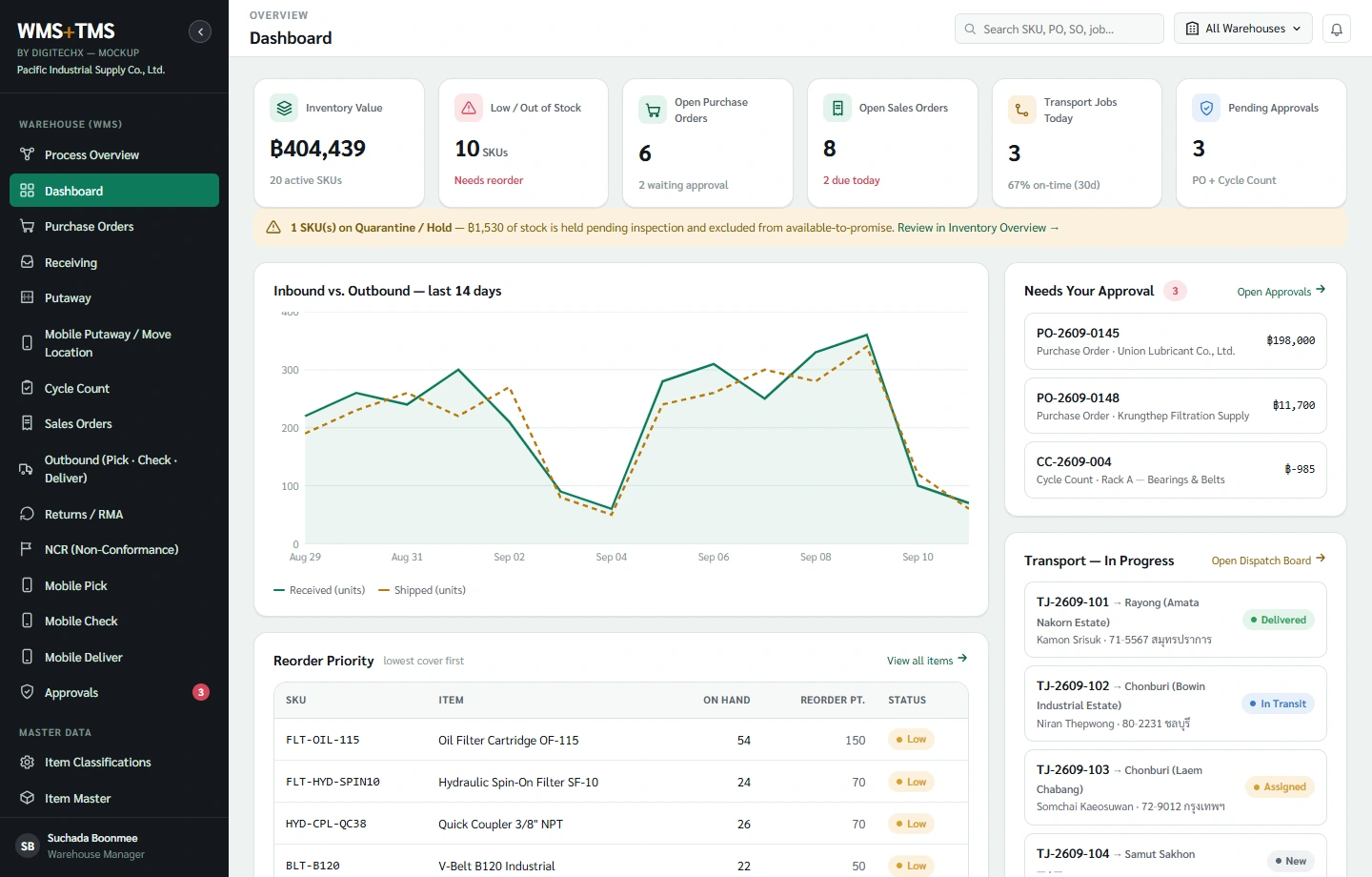
Try the menus in the screen below
WMS Cold Chain | Sample data
Preparing the demo…

The demo contains no live customer data. TMS screens are available to explore, but a WMS project does not require a simultaneous TMS rollout.

Try it yourself

WMS Cold Chain

Explore stock, receiving, putaway and picking with sample data. DigitechX will work with your warehouse and finance staff to design storage, weight and service-charge rules.

Workflow overview

Cold-chain warehouse workflow

Connect owners, lots, weights and room history with receiving, withdrawals and handover.

Select the image for details • Workflows and integrations are configured per project
WMS Cold ChainCold chain WMS warehouse workflow: receiving, storage, quality release, picking and dispatch, linked with temperature records and stock history.
Cold-store operations

Manage each batch from receipt to delivery

Stock, lot history and service records belong together. DigitechX connects the information used by warehouse, quality and finance staff.

Stock owner
Quantity and weight
Storage receipt

Designed around the warehouse’s agreed workflow and requirements

Match the physical receipt to the storage record

One delivery may contain several products and lots for one depositor. Record what actually arrived, what is accepted and what needs quality review.

When the delivery differs from the paperwork

Record the depositor, delivery reference, lot and pallet. Compare expected and received quantities, with damage photos, reviewer and variance reason, before posting the receipt.

The same carton count can have different weights

For variable-weight goods, often called Catch Weight, record quantity and actual weight separately. Keep units, tare and net weight explicit instead of replacing measured weight with an average.

Received does not always mean available

Attach product-temperature and packaging checks to the receipt. Distinguish pending inspection, hold and released stock. Agree acceptance criteria and release authority with the quality team.

Stock owner
Room and location
Movement history

Designed around the warehouse’s agreed workflow and requirements

Know whose stock is where, and when it moved

A room may hold stock for several depositors. Pallet movements need to retain location, ownership and the time spent in each room.

Choose rooms and locations to suit the goods

Use depositor and quality requirements to define temperature zones, stacking limits and relevant segregation rules. Check location capacity and status before confirming putaway. Different products may need different storage conditions.

Room transfers, pallet merges and splits

Scan the source and destination, retaining the timestamp, operator and relationship between old and new pallets. A mixed-lot pallet must still retain quantities for each lot.

Reconcile stock without hiding discrepancies

Agree how movements are paused or reconciled during a count. Distinguish reservations and held stock. Require discrepancy review and approval, retaining the original balance and adjustment reason.

Withdrawal order
Eligible lot
Actual issue

Designed around the warehouse’s agreed workflow and requirements

Pick partial quantities and check remaining stock

Start with the depositor’s instruction, check eligible lots and record both the quantity and actual weight issued. The remaining balance supports stock enquiries and the next withdrawal.

Apply the depositor’s lot rules

Check ownership, expiry, the recipient’s minimum remaining shelf life and release status. First-expiry-first-out (FEFO) applies within eligible stock; it must not override a specified lot or a hold.

Partial pallets and unfulfilled quantities

Record the cartons and weight actually picked. Separate reserved, issued and outstanding quantities. Do not remove an entire pallet for a partial withdrawal; its remaining label must retain the original receipt and lot links.

Changes after picking has started

Check whether stock is reserved, picked or already handed over before reversing quantities and locations. Customer returns require receiving and quality review before becoming available again.

Try a partial withdrawal example

Sample data: 100 cartons received, weighing 1,250 kg in total. Enter the actual withdrawn quantity and weight separately.

Remaining 80 cartons and 1,010 kg

This illustrates balance reconciliation, not a formula for individual carton weight.
Loading check
Handover
Transaction evidence

Designed around the warehouse’s agreed workflow and requirements

Confirm what was loaded and retain the handover evidence

Prepared stock and loaded stock may differ. The final confirmation needs to link the withdrawal order, lots, quantities and recipient.

Prevent owner and lot mismatches

Match stock labels to the withdrawal order, confirm quantities and weights, and record vehicle and recipient details as required. Agree which event posts the stock issue and ends storage charging.

Loading delays or an out-of-range reading

Record agreed milestones such as room exit, loading start and handover. For an exception, retain the reading, measurement point and authorised decision. A temperature chart does not replace quality approval.

Short handovers or refused goods

Keep the actual handover quantity, refused quantity, reasons and supporting documents. Distinguish stock returned to storage from stock on hold so the depositor, warehouse and billing team can reconcile the same events.

Service event
Charging period
Billing record

Designed around the warehouse’s agreed workflow and requirements

Bill from recorded service activities

For third-party cold stores, stock balances and service events feed storage charges. Calculation rules need to match each depositor’s agreement.

Different periods, units and minimum charges

Agree whether charges use pallets, cartons, weight or space, plus start and end dates, rounding, minimums and mid-period withdrawals. Compare calculations with real billing examples before implementing the rules.

Services performed but not yet recorded

Link receiving, handling, sorting, weighing, labelling or repacking to a job and depositor. Retain service units, quantities, approval and billing status so omissions and duplicates can be reviewed.

Corrections after a billing period closes

Separate entry and approval, retain the applied rate and agreement version, and preserve the original billed record. Agree how adjustments reach accounting without overwriting billing history.

Event and time
Relevant lots
Owner and recipient

Designed around the warehouse’s agreed workflow and requirements

Find batches that require inspection

Combine receipts, room transfers, withdrawals and handovers to find stock present during an event, even if it has since moved.

A room excursion during a specific period

Match the event window to location history to identify potentially affected lots, including withdrawn stock. Distinguish missing data from normal readings and let the quality team assess the impact.

Hold or recall a specific lot

Search by product lot and owner, linking remaining stock, reservations and handovers. Record notifications and follow-up status. Releasing a hold requires the warehouse’s authorised approval.

Keep each depositor’s records separate

Scope access to stock, documents and rates by owner, even where product codes or facilities are shared. Depositor reports should reconcile to receipts, issues, returns and adjustments.

These are workflow design considerations. Confirm business rules, approval rights and required customisation before agreeing project scope.

Data from the warehouse

Use scale, sensor and scanner readings in warehouse tasks

Start with readings warehouse staff repeatedly write down or copy, then choose equipment and connections suitable for cold-store conditions.

Sensor readingRoom and periodRelevant lots

Link readings to rooms, times and stock lots

Sensor readings help identify excursions and the stock present at that time, including later transfers, for quality review.

Before using the data

Check installation points, calibration, device clocks, logging intervals and data gaps. Room air temperature is not product core temperature. Connecting WMS does not imply refrigeration control.

Explore your warehouse needs
Scale readingReceipt or issueWeight confirmation

Use actual weights in receipts and withdrawals

Associate readings with the depositor, lot, pallet and transaction. Retain gross, tare and net weight, with confirmation before posting.

Unstable readings or a lost connection

Check the scale model, units, resolution and interface. Define stable-reading criteria, justified manual entry and duplicate prevention before integration.

Explore your warehouse needs
Scanned IDLocation and taskMovement confirmation

Match the scan to the task

Use pallet, lot and location IDs with the assigned task, from receiving and transfers to picking and loading, checking ownership and stock status.

Wet labels, connectivity and gloved use

Select labels, adhesive, readers and batteries for temperature and condensation conditions. Test at the site, and agree network-loss procedures and label-reprint records.

Explore your warehouse needs
TALK TO DIGITECHX

What would you like help with?

Tell us about your warehouse operations and service requirements. Call us or use the questionnaire.

Call DigitechX063-646-9000

Or choose the answers that fit your work

Your workflow1 / 5
Whose stock does your warehouse store?
Skip and talk to DigitechX

Discuss your temperature-controlled warehouse

Bring a storage receipt, withdrawal order or service-charge record you already use. DigitechX will review the required data connections, devices and current systems, then agree the project scope with you.

Talk to DigitechX

How we start your project

Review real work

Choose an owner, lot and recurring difficulty, involving warehouse, quality and accounts staff.

Agree data and permissions

Review shared ERP identifiers, confirmation points, approvals and procedures for mismatches or network loss.

Pilot one area before expanding

Test normal work, partial withdrawals, returns and adjustments. Measure time and discrepancies before expanding.

Estimate the costs you want to reduceUse your warehouse’s actual monthly costs

Project evaluation data

Enter non-overlapping cost categories to prioritise what to measure. The total is not a guaranteed saving or a payback calculation.

Total entered costs0 THB/monthUse as a baseline for measuring a real pilot.

Frequently asked questions

Must we replace an existing ERP or WMS?

First identify what the current system covers and where manual work remains. Assess APIs, file formats, reference IDs and data ownership before deciding whether to integrate, extend or replace a part.

Can every storage agreement use the same billing rules?

DigitechX first reviews your agreements and invoices, including minimums, charging periods, mid-period withdrawals and extra services. We then explain what standard features cover and what needs development. The demo does not include every depositor’s rules.

Do temperature readings prove product quality?

Identify whether a reading measures air, product surface or core, together with location, time and calibration. Readings support review; the responsible quality team defines acceptance, hold and release decisions.

What about scanning in the cold or losing connectivity?

Test devices, labels, batteries, gloved use and network coverage at the site. Agree what may continue, how pending work is retained and how duplicates are reconciled on reconnect. Offline capability must be assessed and included in the agreed scope.

Can depositors view their own stock?

Agree permitted information and access methods, such as scheduled reports or a depositor view. Test owner-based access to records, documents and rates. A ready-to-use customer portal is not implied by the demo.

How do we start, and how long will it take?

Share sample documents, room and storage plans, peak transaction volumes and current-system limitations with DigitechX. We then agree scope, price, timing, data migration, training and acceptance criteria before the first pilot.

Cold-storage reference sources in Thailand

These sources inform workflow research. They are not DigitechX customers or endorsements.