Start with one project plan
Ask the project owner to list each task, the person responsible, its due date and the evidence that confirms completion.
What to measure before and after a pilotOpen tasks without an owner or due date

For energy managers and factory managers
Connect electricity use with targets, energy-saving plans, budgets and responsibilities so factory teams can review project progress, spending and results from the same records.

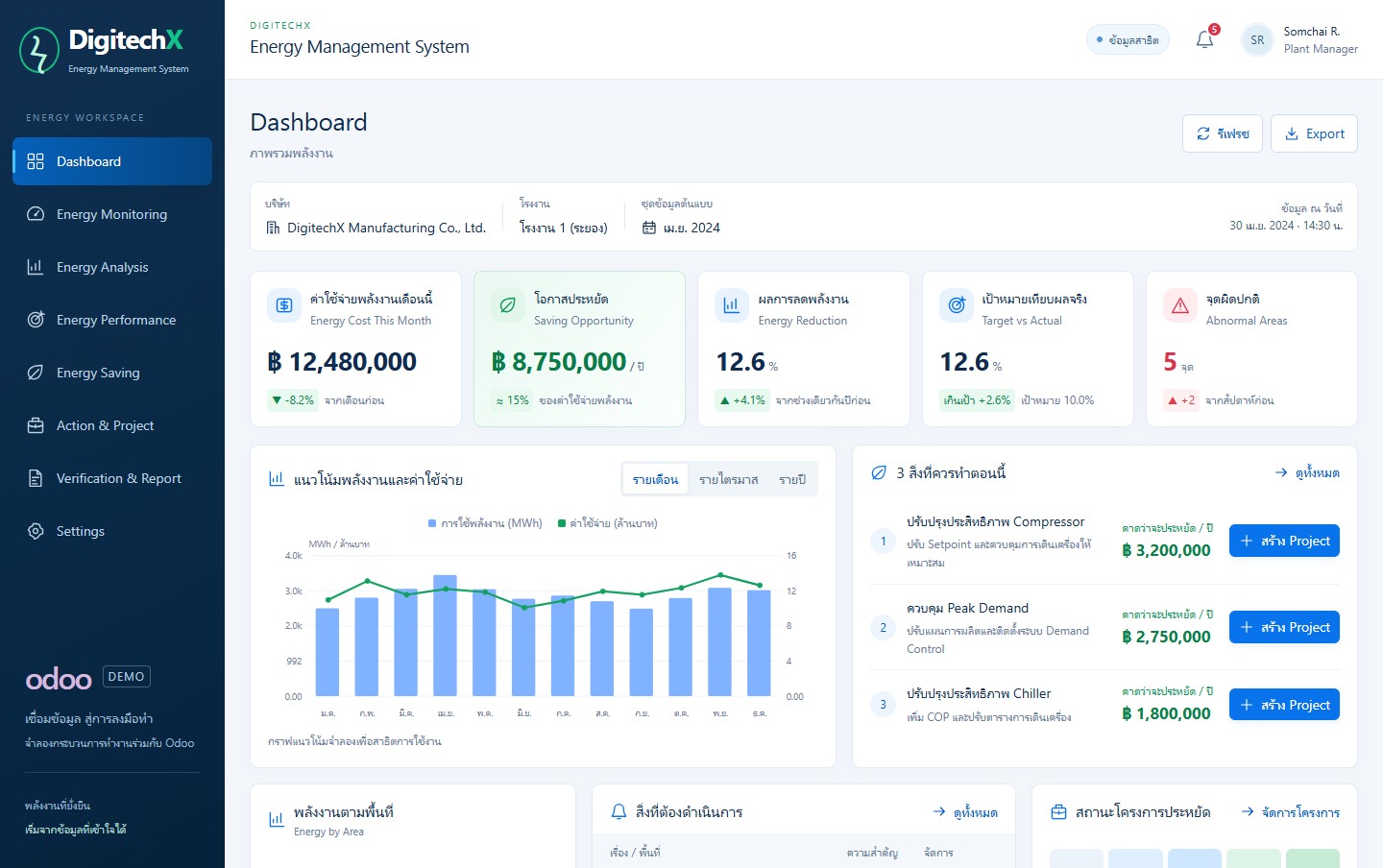
The demo uses sample data. Open it full screen to explore the details and menus.
Explore the demo
The demo uses sample targets, projects and responsibilities. Open a project to review its budget, task status and recorded results.
Bring energy and operating records together to review plans, budgets and project results.
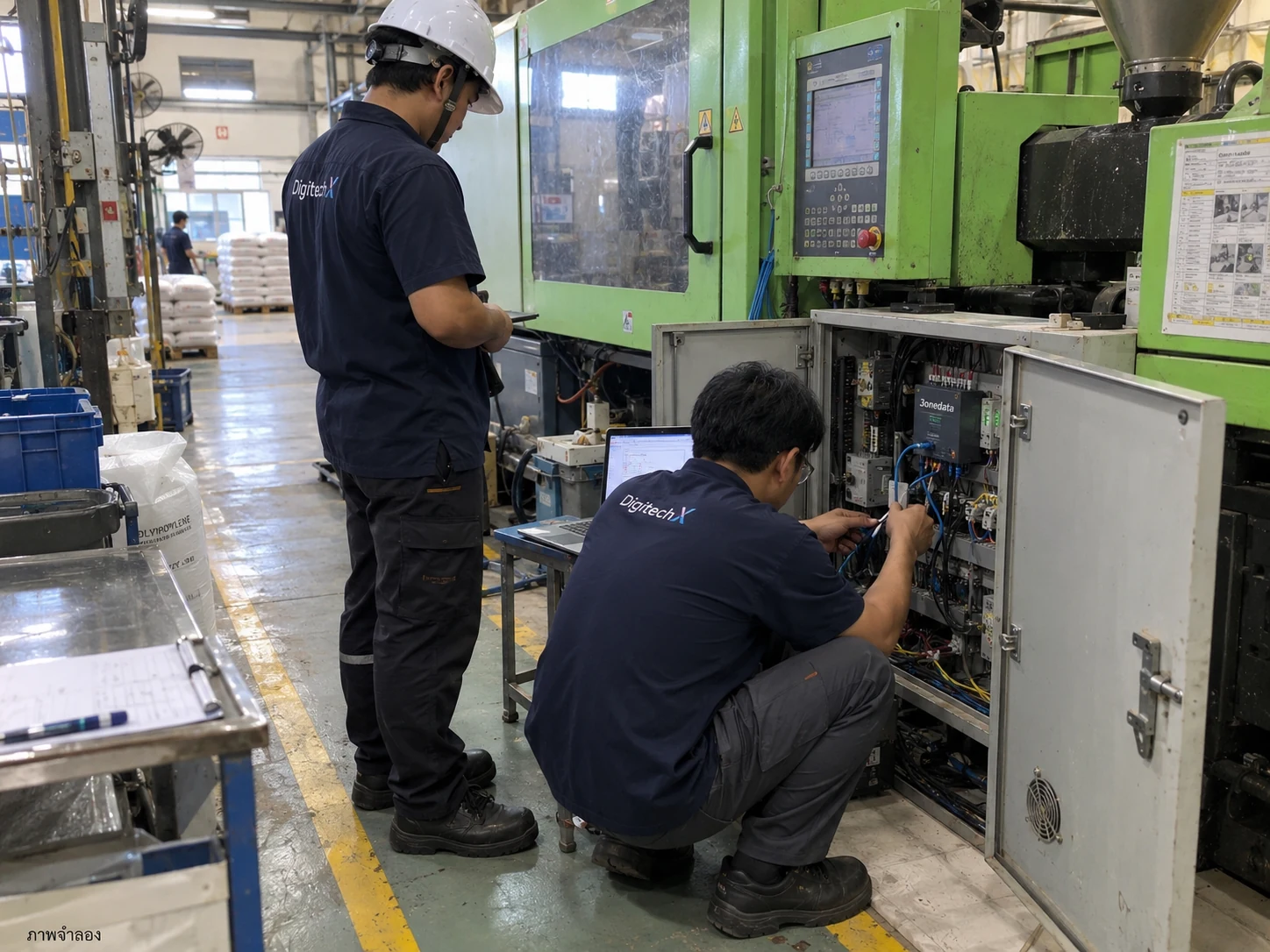
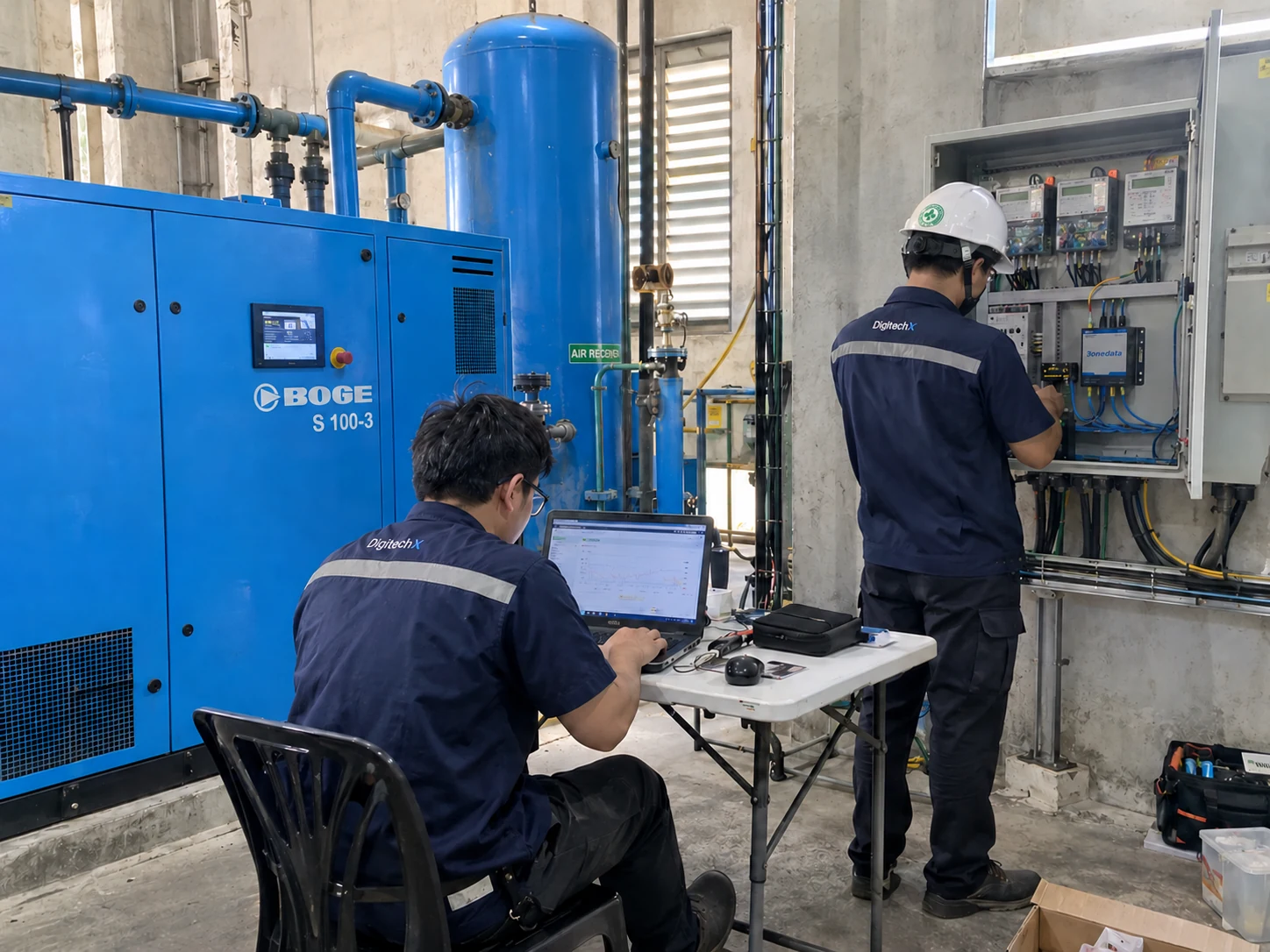
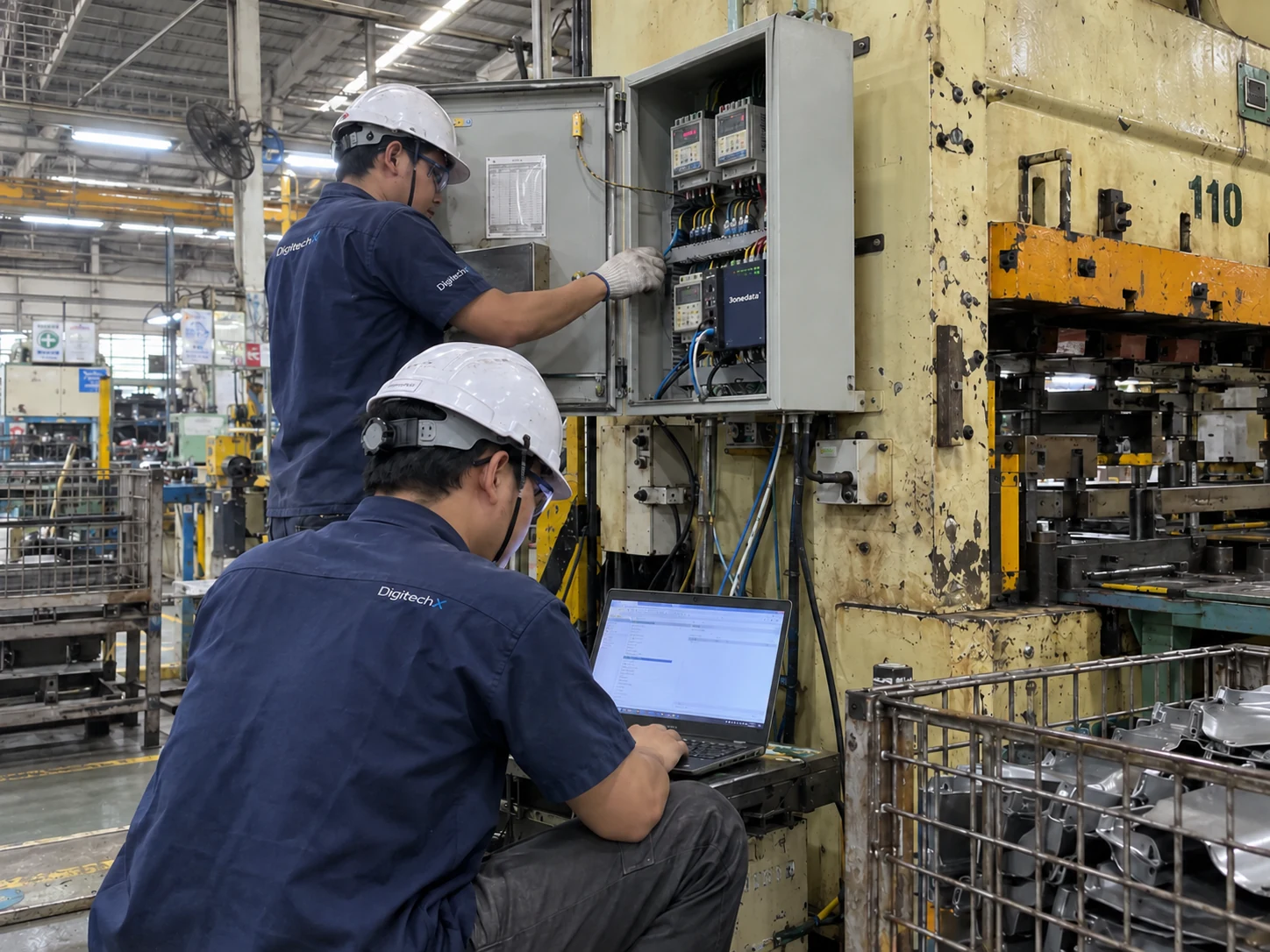
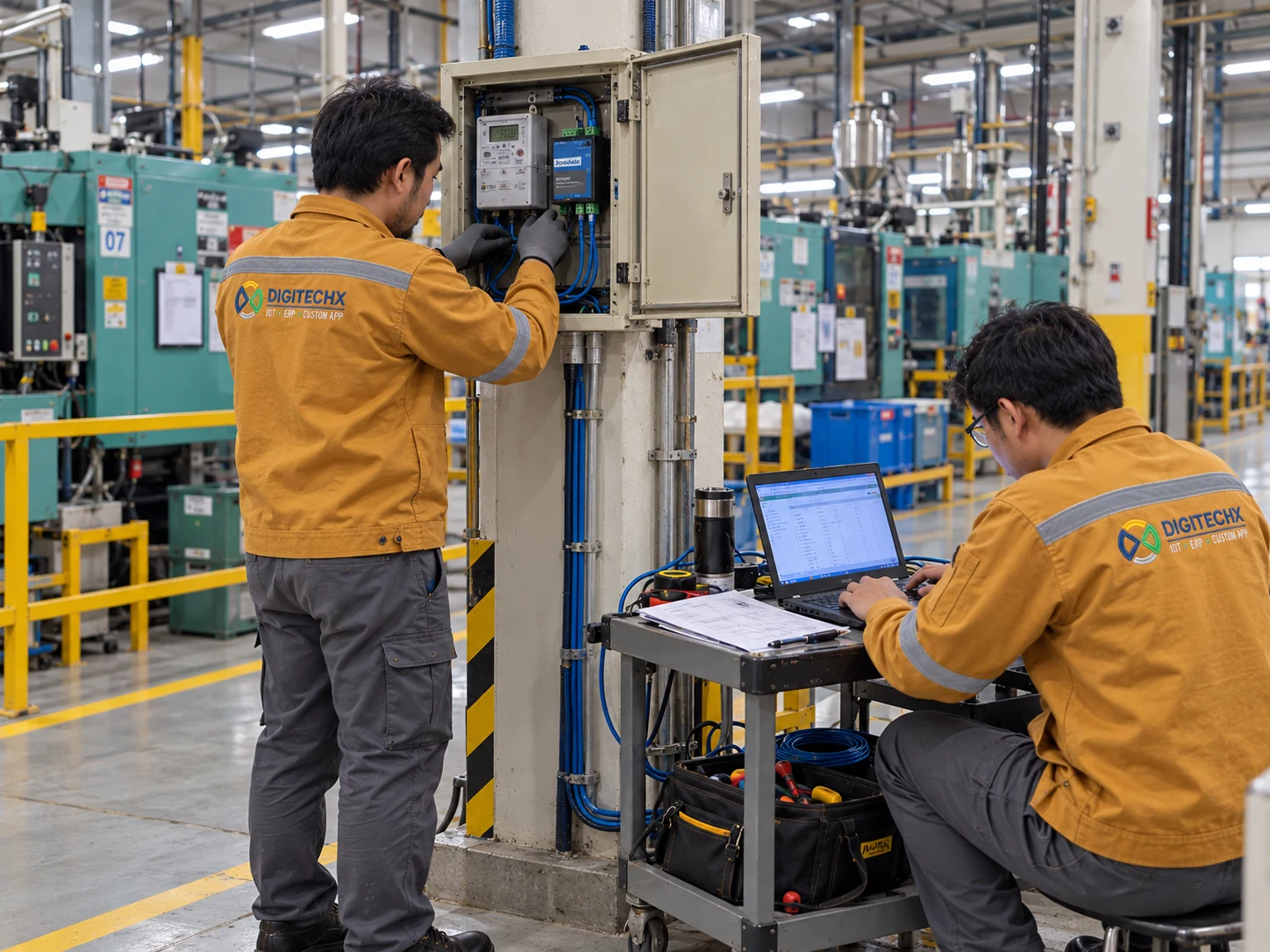
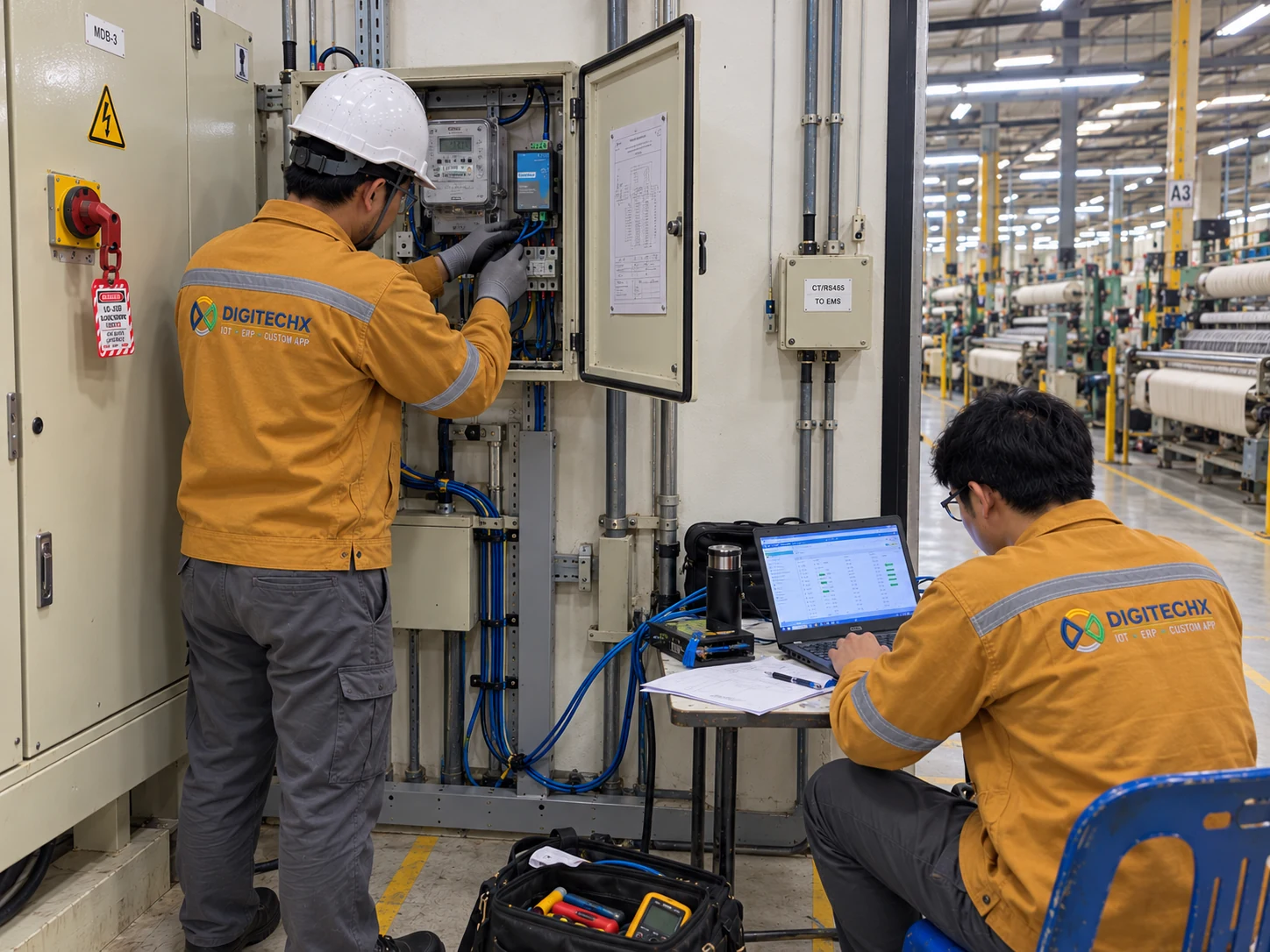
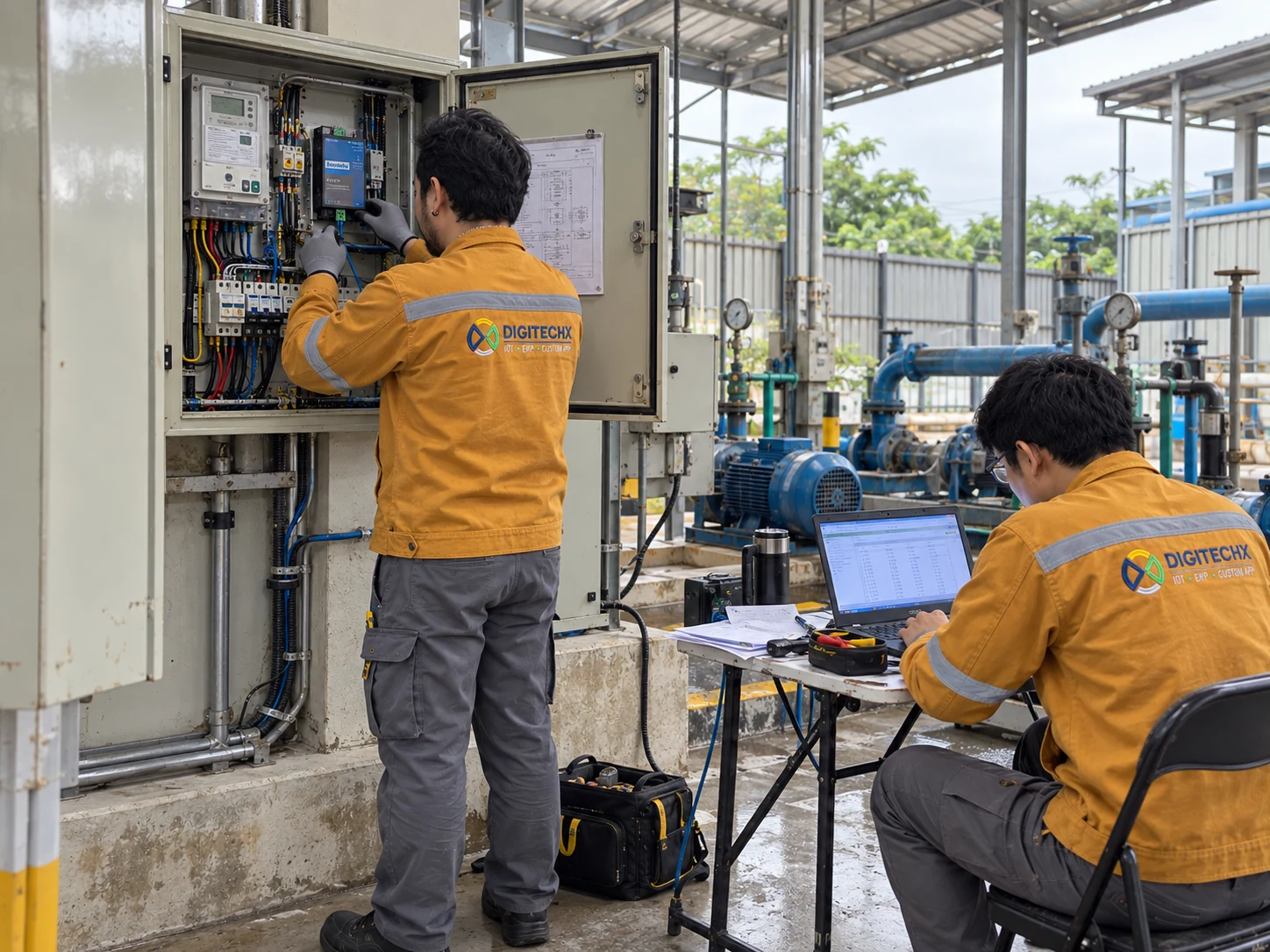
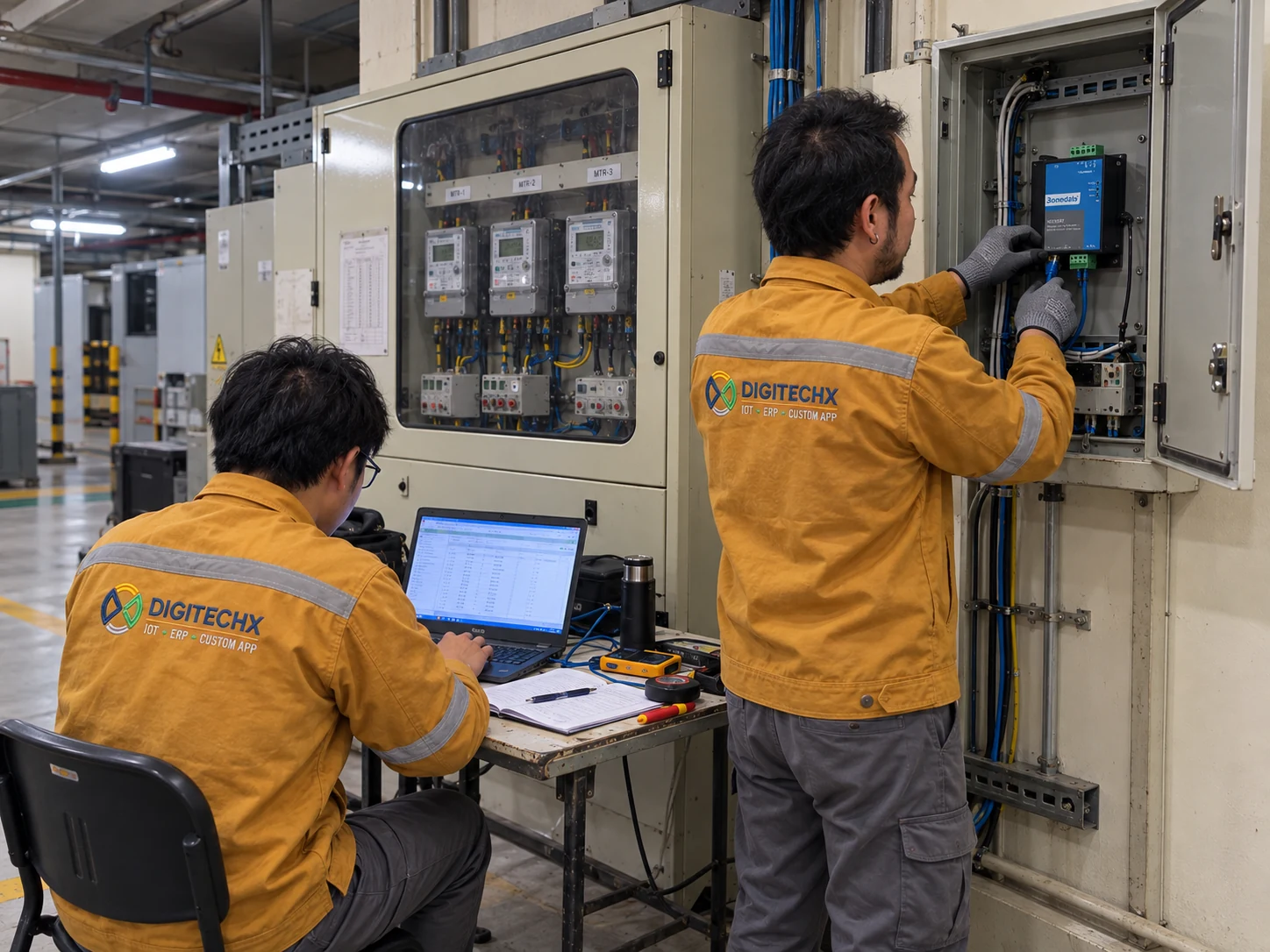
Connections depend on the equipment and project scope. Check what each main meter and submeter covers to avoid counting the same electricity use twice.
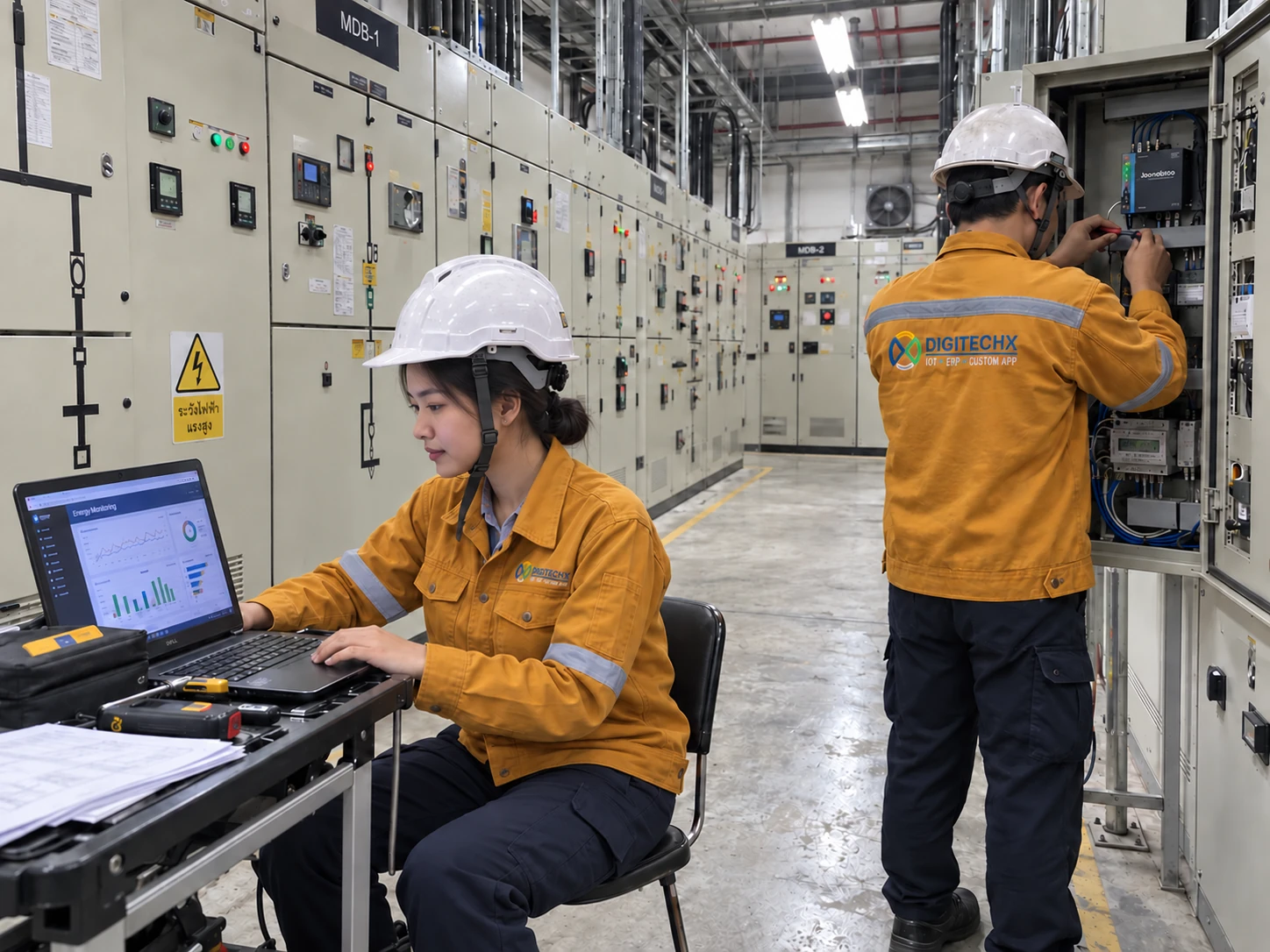
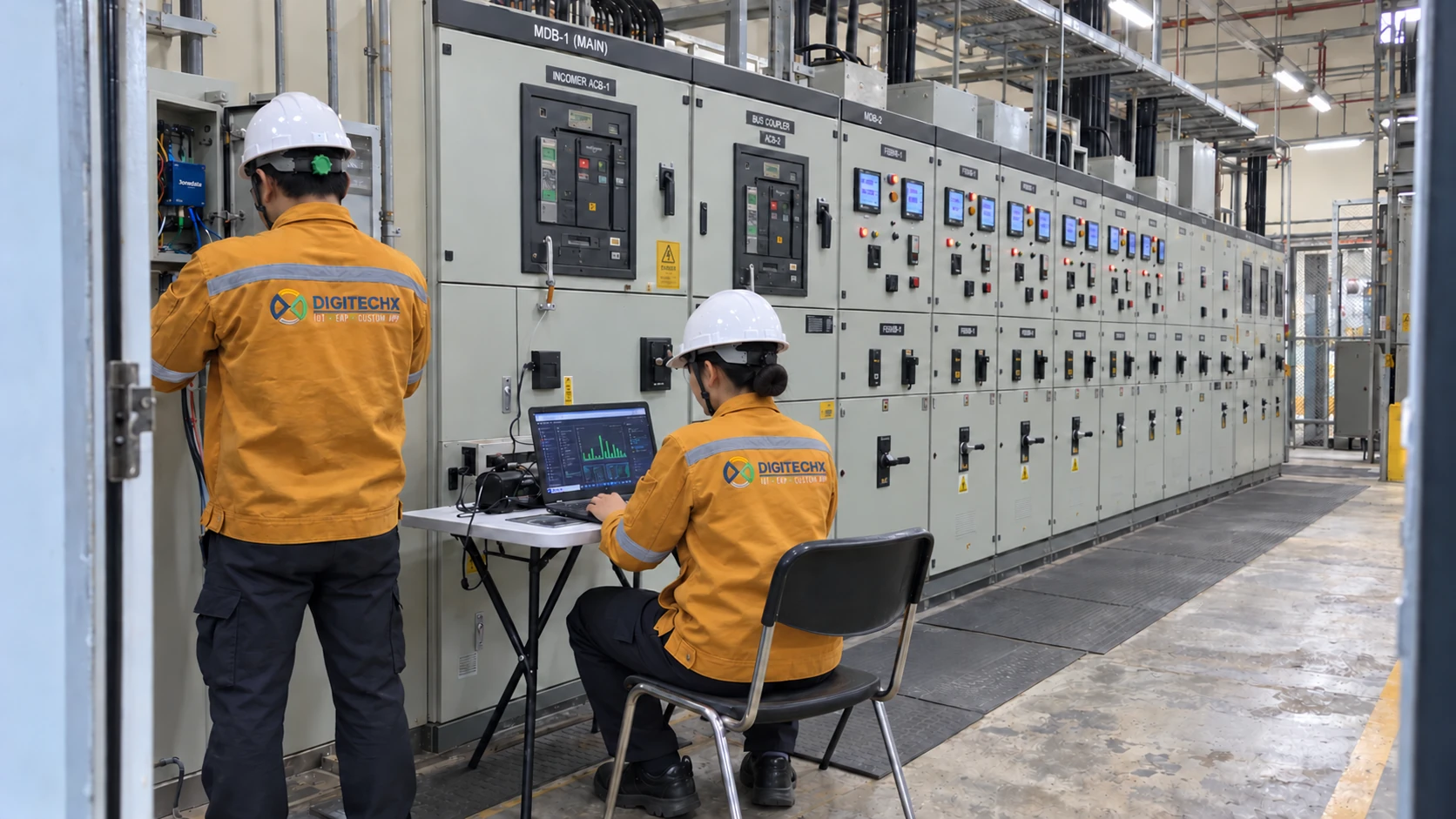

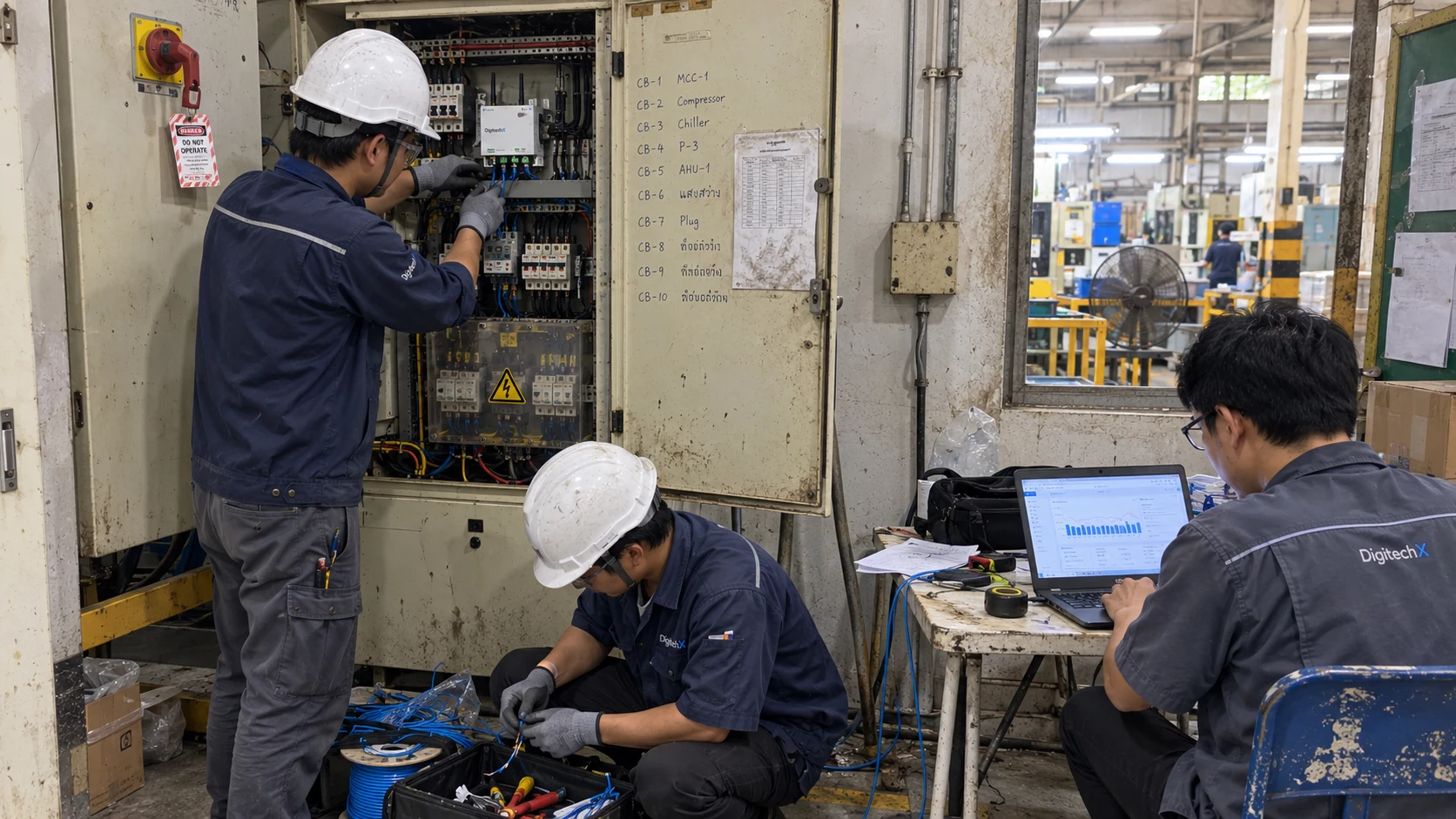

















Discuss your energy management needs. Call 063-646-9000 or describe your requirements in the questionnaire.
Call DigitechX063-646-9000Or choose the answers that fit your work
Your answers reach DigitechX only when you submit the contact form.
Ask the project owner to list each task, the person responsible, its due date and the evidence that confirms completion.
Identify the information approvers need and assign responsibility for confirming each figure.
Agree comparison periods, output records and the review method before making the improvement.
Clarify task owners and the records each department provides.
Review both task status and evidence behind reported results.
Avoid asking project owners to enter the same update repeatedly.
Review the forms your company uses and identify who needs to confirm each record.
Review identifiers, statuses and access, then agree which system owns each record.
Identify the step where records are missing, then assess extending the current system or adding an interface.
Choose one recurring task and measure time or discrepancies before and after a pilot.
Include a busy period in testing so results are not based only on quiet days.
Define the expected workload and new requirements before assuming the entire system must change.
The system supports project and data tracking. Savings must be checked against actual operations.
Copied. Paste the summary into your message to DigitechX.Copying is unavailable. Please download the summary instead.