Skip to Content
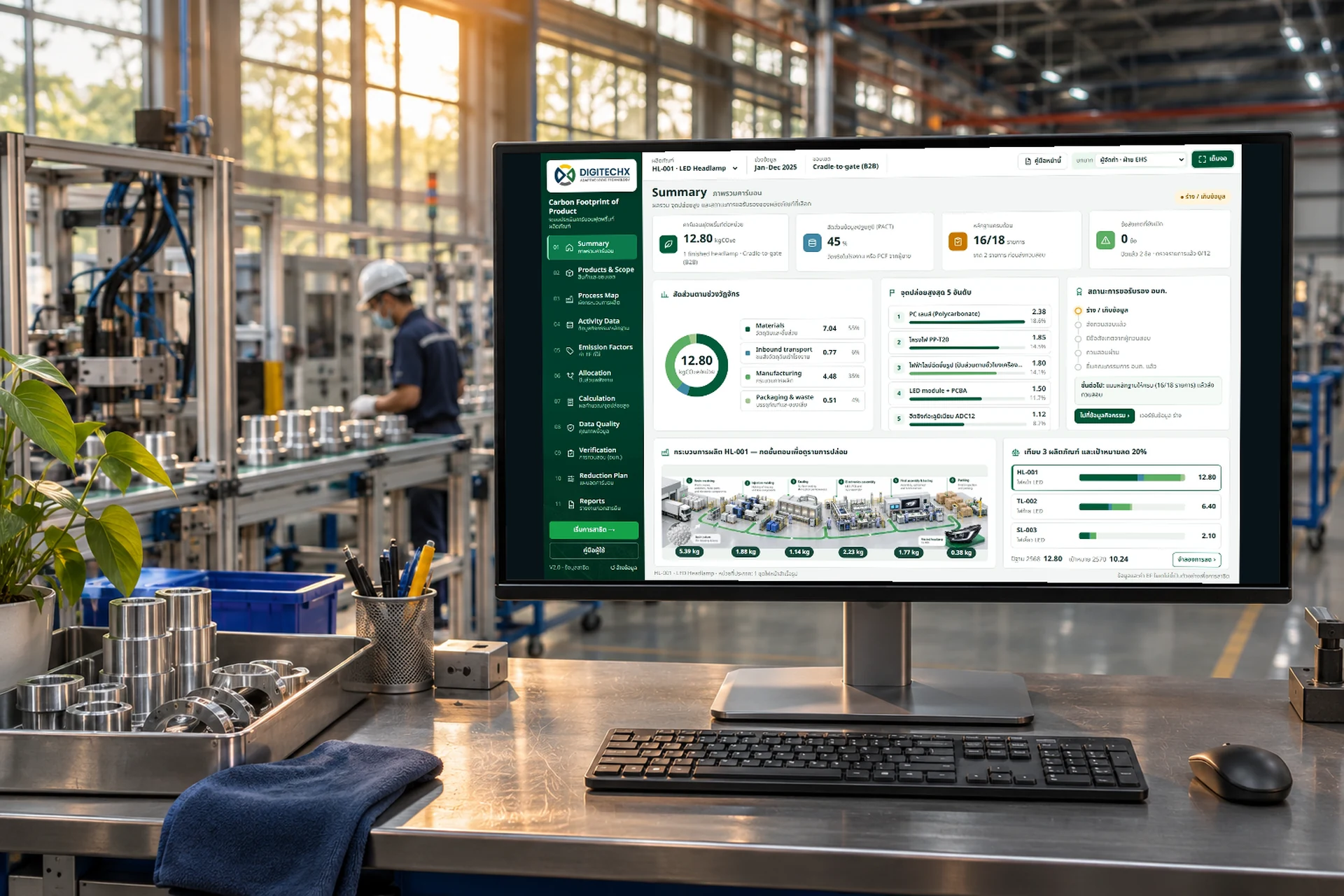
Illustrative factory with the sample CFP dashboard on a monitor

CARBON FOOTPRINT OF PRODUCT / CFP

For factory EHS and sustainability teams

Product carbonfootprints.Evidence included.

Bring materials, energy and supporting documents together so a verifier can trace each result back to its source.

Discuss your CFP project
Product-level recordsVersioned emission factors

Illustrative scene / screen shows sample data

Click the image to open the sample system

Browser-based prototype with sample products, sample data and emission factors, and simulated roles. Results are not verified and are not a TGO certification.

Sample application

Follow one product from activity data to the verification package

Three sample automotive lighting products. Review the summary, open activity data with its evidence, change an emission factor version, then switch to the verifier role to raise and close findings.

Every figure links to its document
Preparer and verifier in one workflow
Eight guided walkthroughs with reasons
Open the user manual ↗

THE WORKFLOW

From bill of materials to a review package

Define the scope, gather data, calculate and review before preparing the documents.

  1. 01

    Define the product

    Set its unit, boundary, period and PCR.

    CFP preparer

  2. 02

    Collect the data

    Record materials, energy, transport, waste and evidence.

    Production, purchasing and EHS

  3. 03

    Choose factors

    Record factor sources, versions and allocation methods.

    CFP preparer

  4. 04

    Calculate and check

    Review results by life-cycle stage and data quality.

    CFP preparer

  5. 05

    Review findings

    Raise findings, make corrections and retain the change history.

    Verifier and preparer

  6. 06

    Prepare documents

    Generate the report, verification sheet and evidence index.

    CFP preparer

PCR means Product Category Rules, used to define the unit, boundary and applicable cut-off rules.

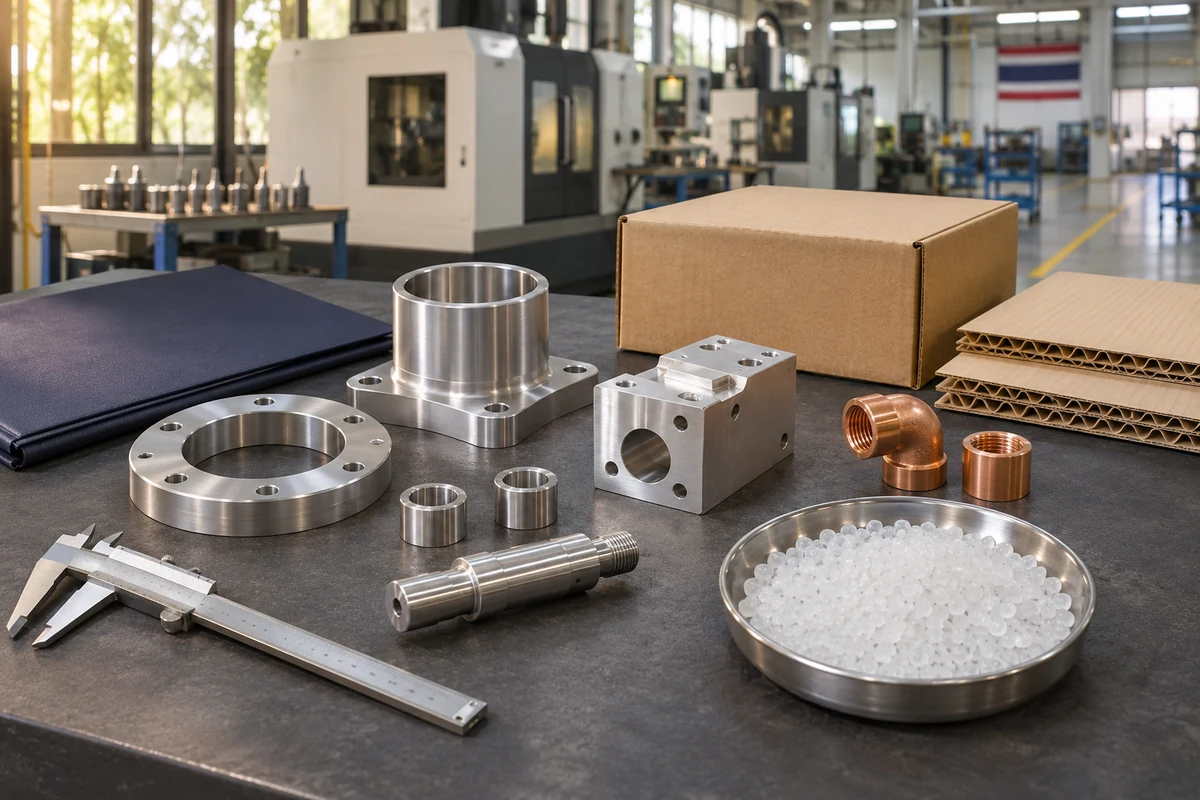
Illustrative polymer pellets, metal components and packaging on a workbench
Product materials / illustrative image01 / CFP

MATERIALS AND EVIDENCE

Keep each product’s material records together

Keep bills of materials, quantities, units and purchase records by product and period. Each emission factor retains its source and version for review.

Bill of materials and units

Keep quantities and periods with the relevant product.

Evidence linked to the record

Attach the BOM and purchase records to support each quantity.

EF means emissions per unit of activity.

TRACE ONE FIGURE

Trace a result back to each material line

Check quantity, unit, factor source and version together. If a suitable material factor is unavailable, document the reason for using a proxy.

Demo data using a proxy factor. Not a customer result or an official emission factor.

HL-001 / MaterialsSample data
Product / unit
LED headlamp / 1 finished unit
Material
PC resin for the lens
Evidence
BOM and purchase records
Factor source
Proxy factor / version recorded

This line is 18.6% of the sample total of 12.80 kgCO₂e per unit. Changing the factor version recalculates the products using it.

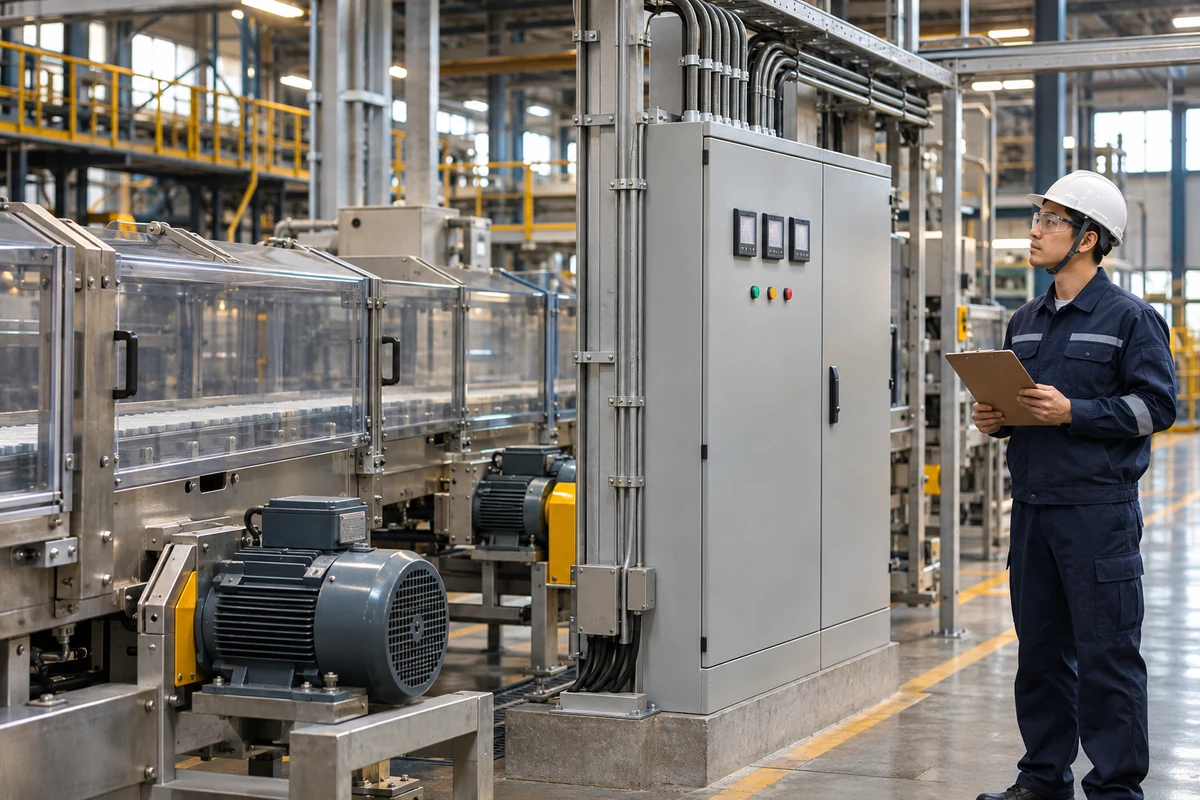
Illustrative production line, motors and an electrical control cabinet
Production energy / illustrative image02 / CFP

ENERGY AND ALLOCATION

Allocate shared energy to each product

Allocate by machine hours or units, reconcile totals to bills and document the reason for the chosen method.

  • See results by life-cycle stage
  • Check top contributors and mass balance
  • Assess data quality and uncertainty

Meters are an optional data source. Connections are assessed and implemented per project.

Illustrative preparer and reviewer checking documents in a factory meeting room
Reviewing data and evidence / illustrative image03 / CFP

REVIEW AND FINDINGS

Keep each finding connected to its correction

The verifier reviews the checklist and raises findings. The preparer corrects records or adds evidence, with changes logged before the next review.

Raise findingCorrect and documentReview again
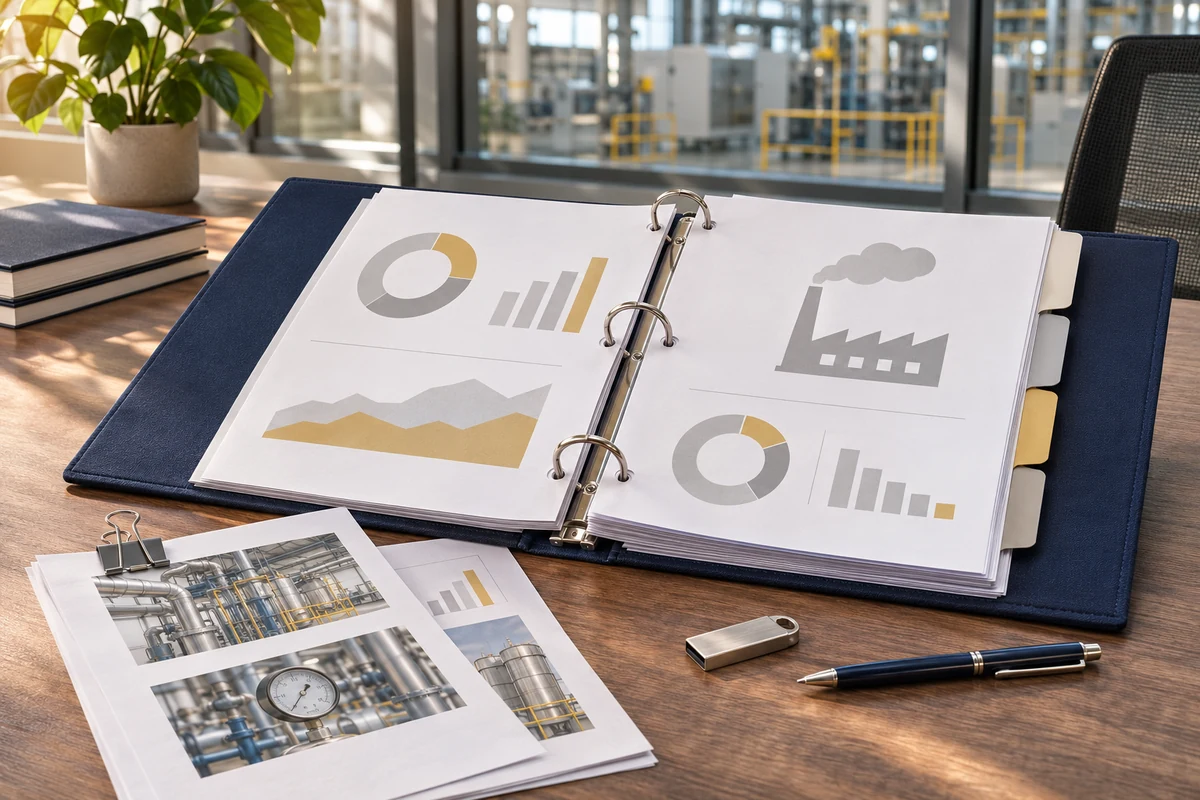
Illustrative report binder, chart documents and a storage device on a desk
Documents prepared for review / illustrative image04 / CFP

REPORTS AND EXPORTS

Prepare documents from one consistent data set

Bring calculations and evidence together for review, with exports for the next stage of work.

  • 01CFP report
  • 02Verification sheet
  • 03Evidence index
  • 04CSV data
  • 05Sample PACT-format export

PACT is a sample export in the demo. Customer data-network connections are assessed per project.

STUDY BOUNDARIES

Choose the boundary for the intended use

IN THE DEMO

Business-customer data

Cradle-to-gate includes materials, inbound transport, manufacturing and packaging up to the factory gate. This is the boundary shown in the demo.

Cradle-to-gate
RULE-DEPENDENT SCOPE

Product-label preparation

Add distribution, use and end of life as the label rules require. Use and end-of-life scenarios are not built into the demo.

COMPARE IMPROVEMENTS

Reduction planning

Compare a base year with planned improvements by product and avoid counting the same reduction in another programme twice.

MaterialsInbound transportManufacturingPackagingUseEnd of life

DATA SOURCES

Start with existing documents. Connect where it helps.

01

Documents and manual entry

Use BOMs, purchase records, energy bills, transport documents and supplier PCFs. The demo supports manual entry, BOM import and evidence attachments.

Available in the demo
02

ERP systems

Assess BOM, production and purchasing records, then agree mapping, frequency and duplicate checks.

Implemented per project
03

Machine or line meters

Define measurement points and periods to support allocation. Meters are not required to begin a CFP study.

Optional project scope

IMPLEMENTATION

Start with one or two products

  1. 01

    Review available data

    Use BOMs and one year of energy and production records to identify what is ready and what is missing.

  2. 02

    Agree the system scope

    Define users, review steps, evidence storage, factor sources and required connections.

  3. 03

    Test before submission

    Check calculations, factors, allocation and exports with the team and consultant. Arrange verification separately.

A shared database, real accounts, ERP connections and meter connections are not part of the demo. They require project assessment and implementation.

FREQUENTLY ASKED QUESTIONS

Questions before starting a project

Does the system issue the TGO label?

No. It prepares data, calculations and evidence. A verifier examines the study and TGO decides on the label.

Do we still need a consultant or verifier?

A label requires verification. Many organisations also work with a consultant. The system keeps records, versions and findings organised for review.

Can it answer customer carbon-data requests?

The demo exports a report, CSV and a sample PACT file from the same data. Customer network connections are assessed per project.

How are multiple products managed?

Each product keeps its own data, factors and versions. Shared energy is allocated from the same underlying records.

Do we need ERP or IoT first?

No. Start with BOMs, bills and documents, then assess connections as repeated data-collection work grows.

What is needed to estimate price and time?

Product count, BOMs, one year of energy and production data, the people involved and the required outputs.

LET’S START WITH YOUR PRODUCT

Assess the scope with one of your products

Bring a BOM, energy records and a goal, such as a customer request or a label application. DigitechX will help define data collection, review steps and the system scope.

Discuss your CFP projectCall 063-646-9000LINE @digitechx

Start with the BOM and energy records you have

Contact options Hide contact options