Start with one building’s meter map
Match meters to floors and shared services. Compare similar periods alongside operating hours and occupied area.
What to measure before and after a pilotTime to locate a building or load that needs review
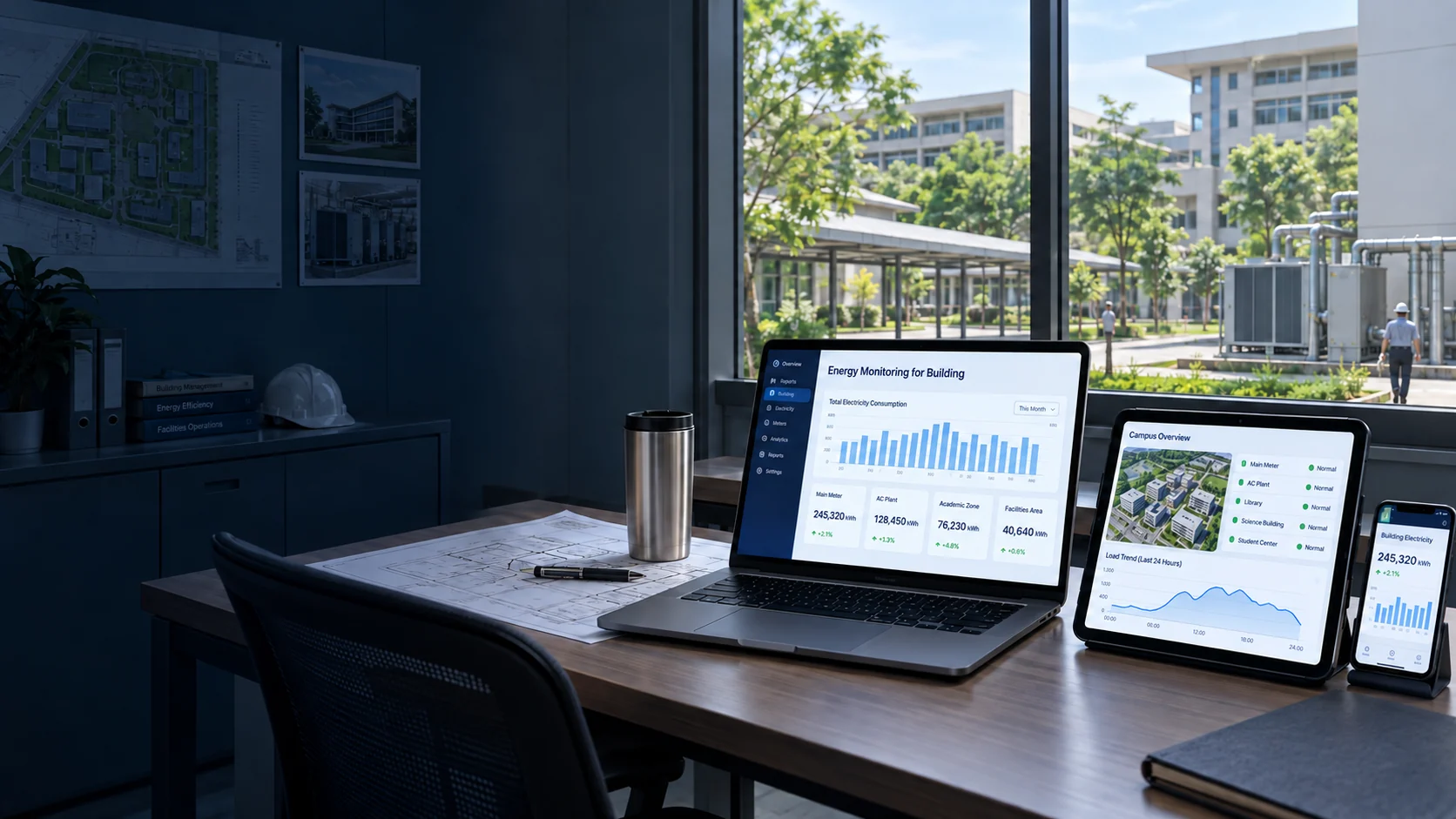
For building managers and engineers who need to monitor electricity use across several buildings.
Review meter readings, compare operating periods and check missing or unusual data before preparing building reports.

Interactive Thai-language demo with 68 sample points. It is not connected to live meters; the campus map provides demonstration context. Open full screen for details.
Explore the demo
Start with the building map, then view meters, compare electricity use and check missing or unusual readings. Explore eight menus to see how those records become a report.
View meter readings with their building, floor and operating period so you can identify where each usage record comes from.
Confirm meter coverage, timestamps and access first. Do not add main-meter and submeter totals that cover the same loads.




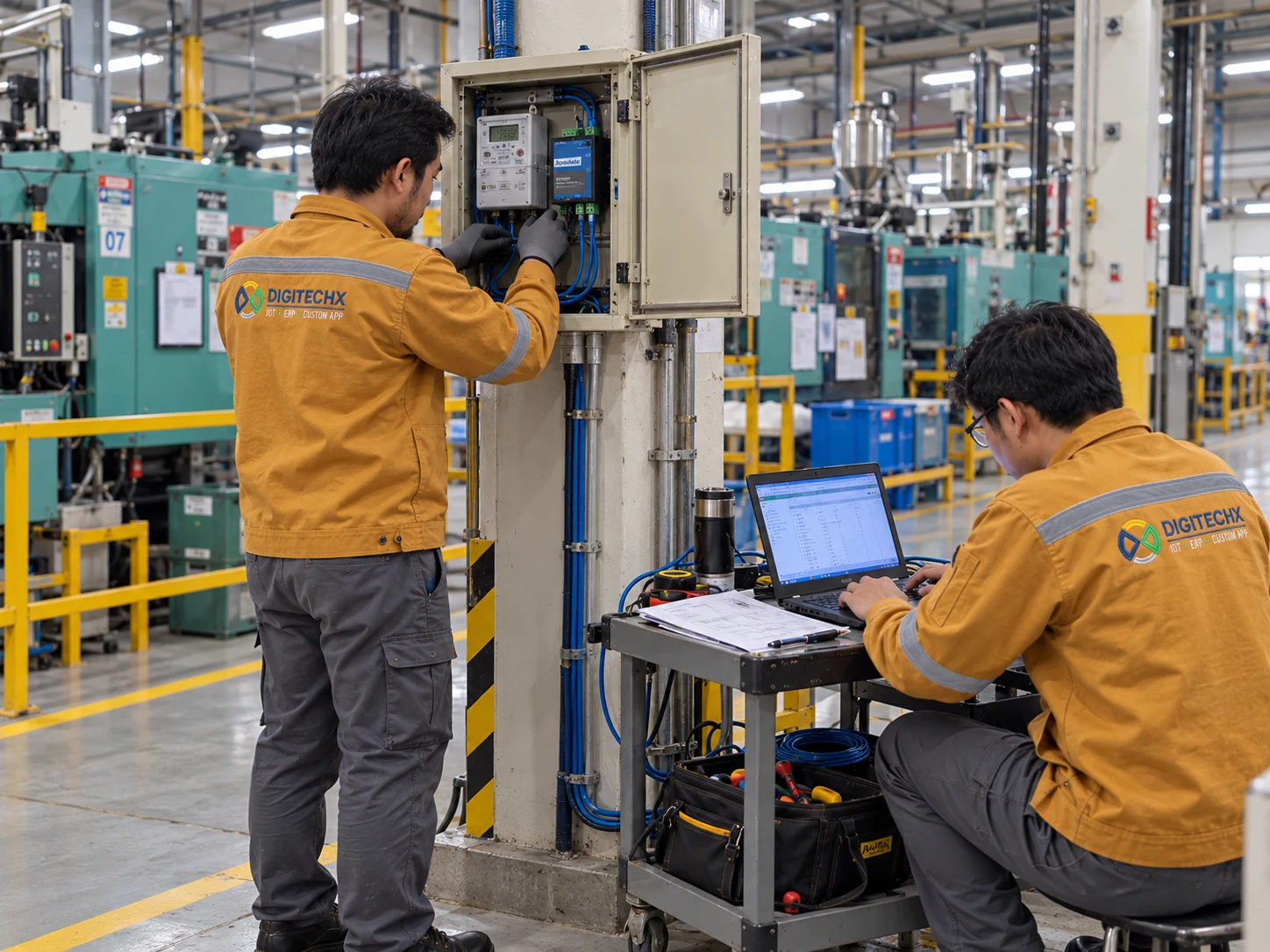
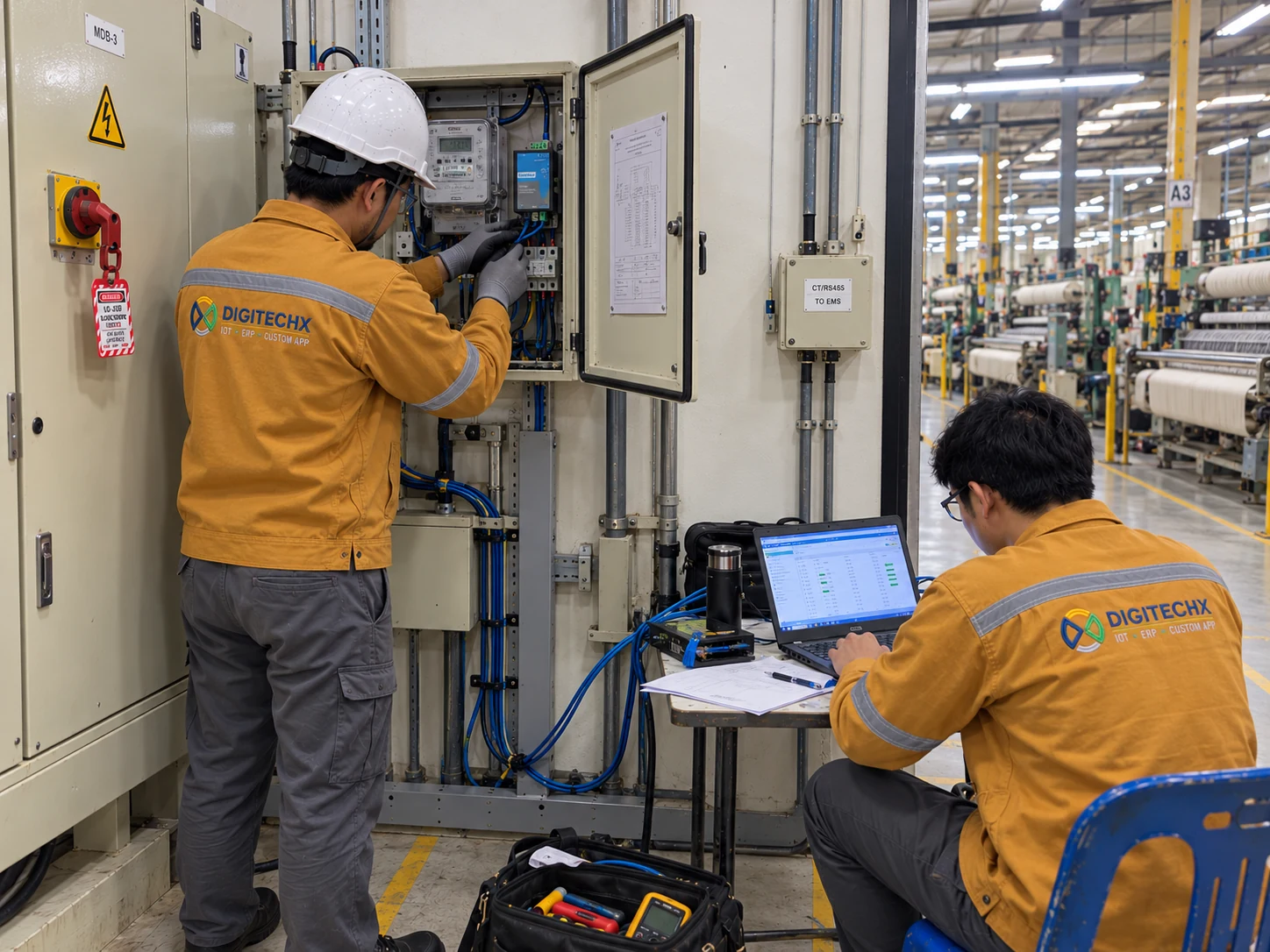
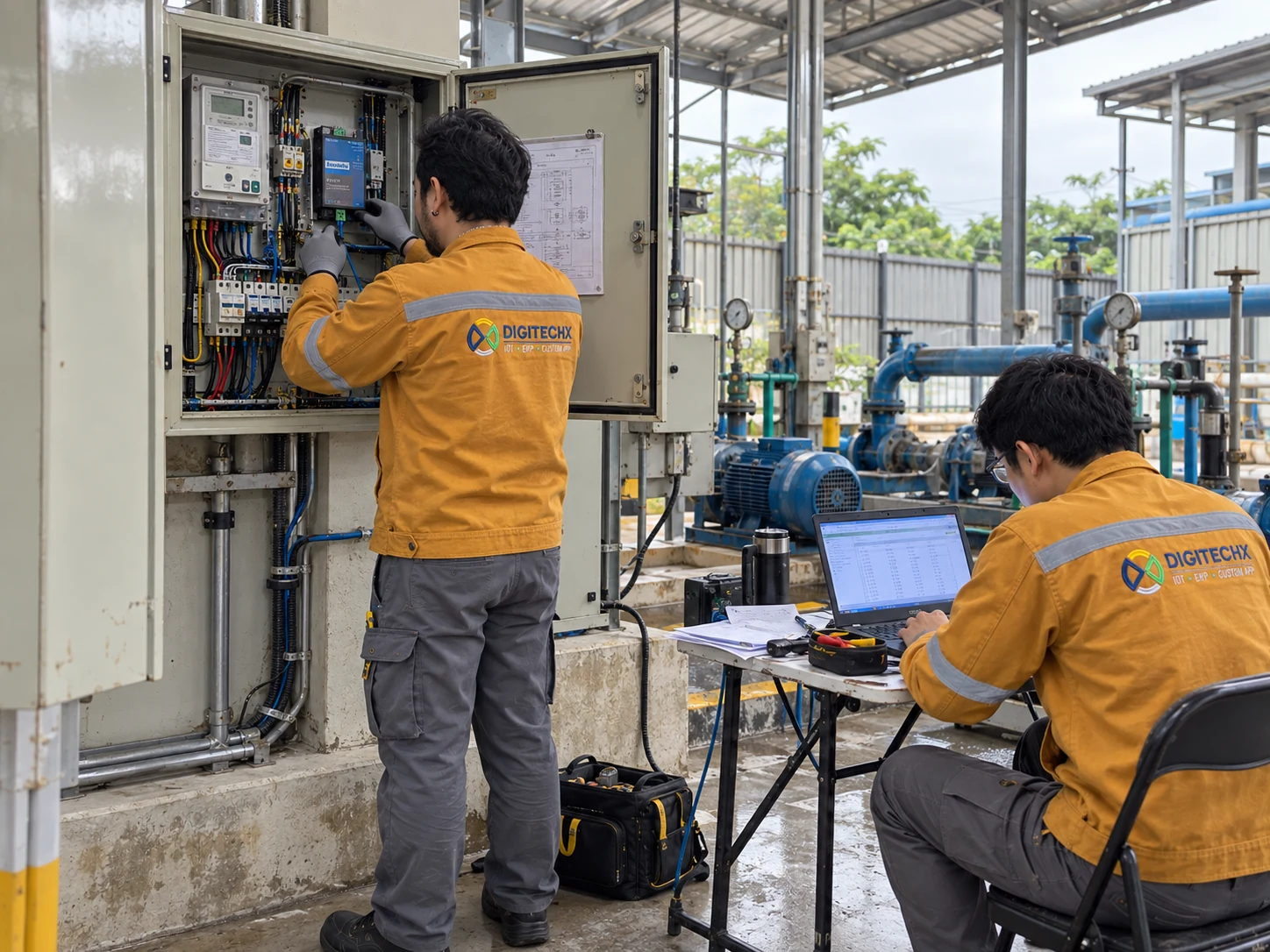
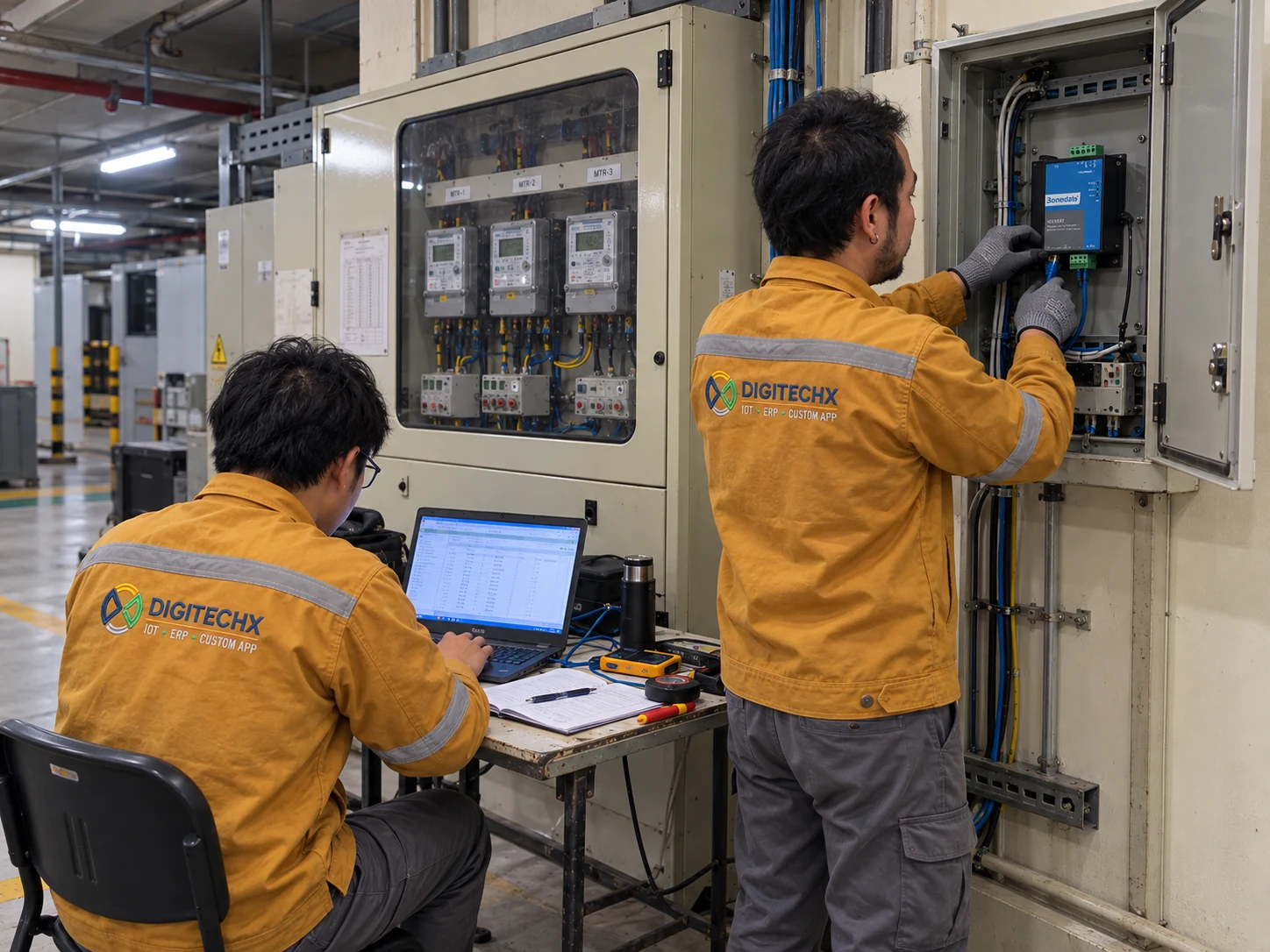















Answer a few short questions so DigitechX can better understand your needs.
Your answers reach DigitechX only when you submit the contact form.
Match meters to floors and shared services. Compare similar periods alongside operating hours and occupied area.
Compare the profile with actual schedules. Confirm equipment operation before attributing after-hours use to waste.
Check gaps and unusual readings against source records. Agree the period, review responsibility and export fields.
Start with one building and its actual operating schedule. Classrooms, labs and shared services may have different usage patterns.
Agree which tenant and shared-service loads each meter covers. A higher total alone does not mean a building is less efficient.
Use consistent building codes, units and reporting periods. Review permissions and network access for each site.
Align units, reading times and building codes before combining records.
Check meter or BMS models, supported interfaces and permission to read the data.
Identify the missing buildings or records before deciding what to connect.
Choose one recurring task and measure time or discrepancies before and after a pilot.
Include a busy period in testing so results are not based only on quiet days.
Define the expected workload and new requirements before assuming the entire system must change.
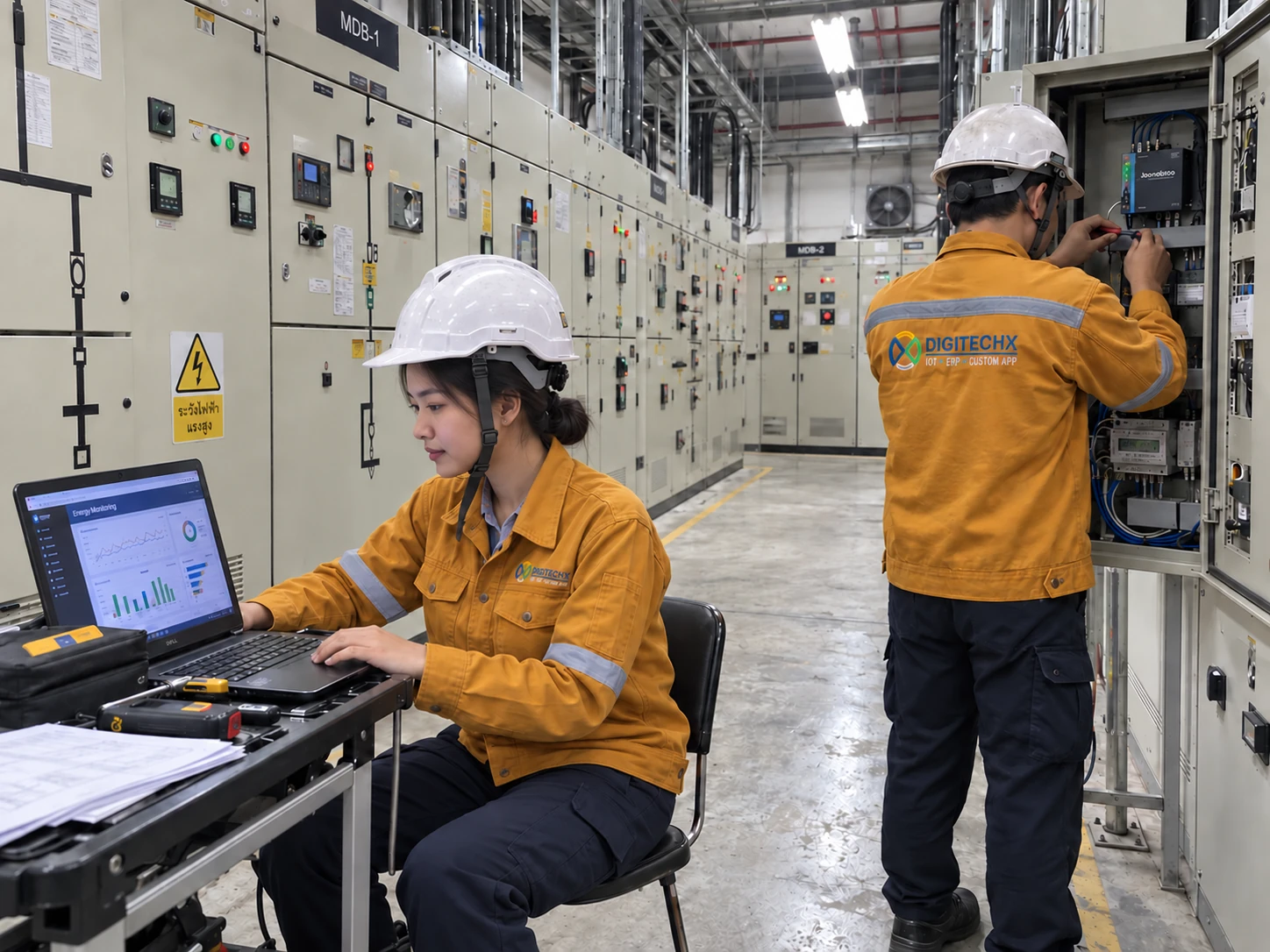
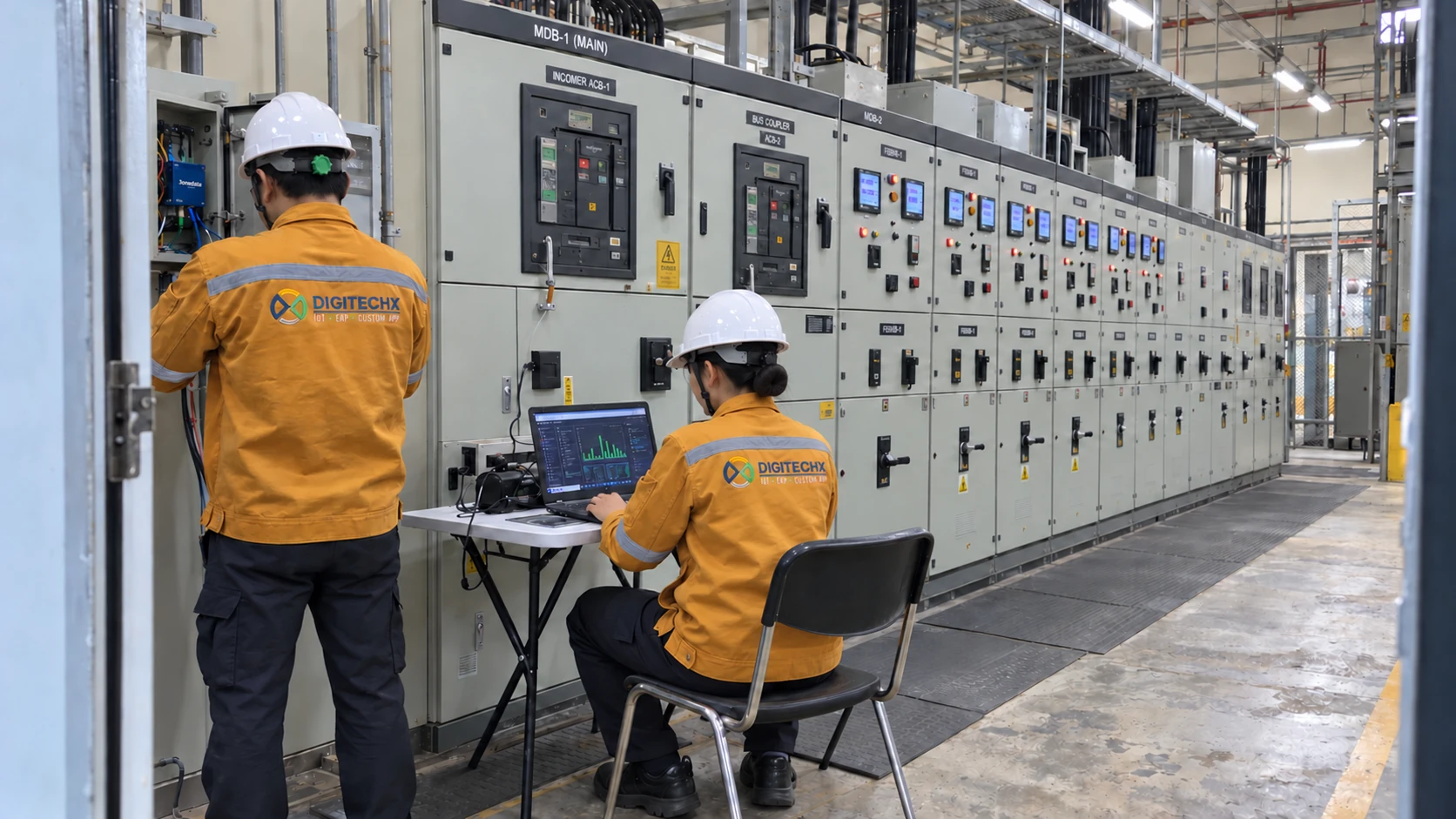
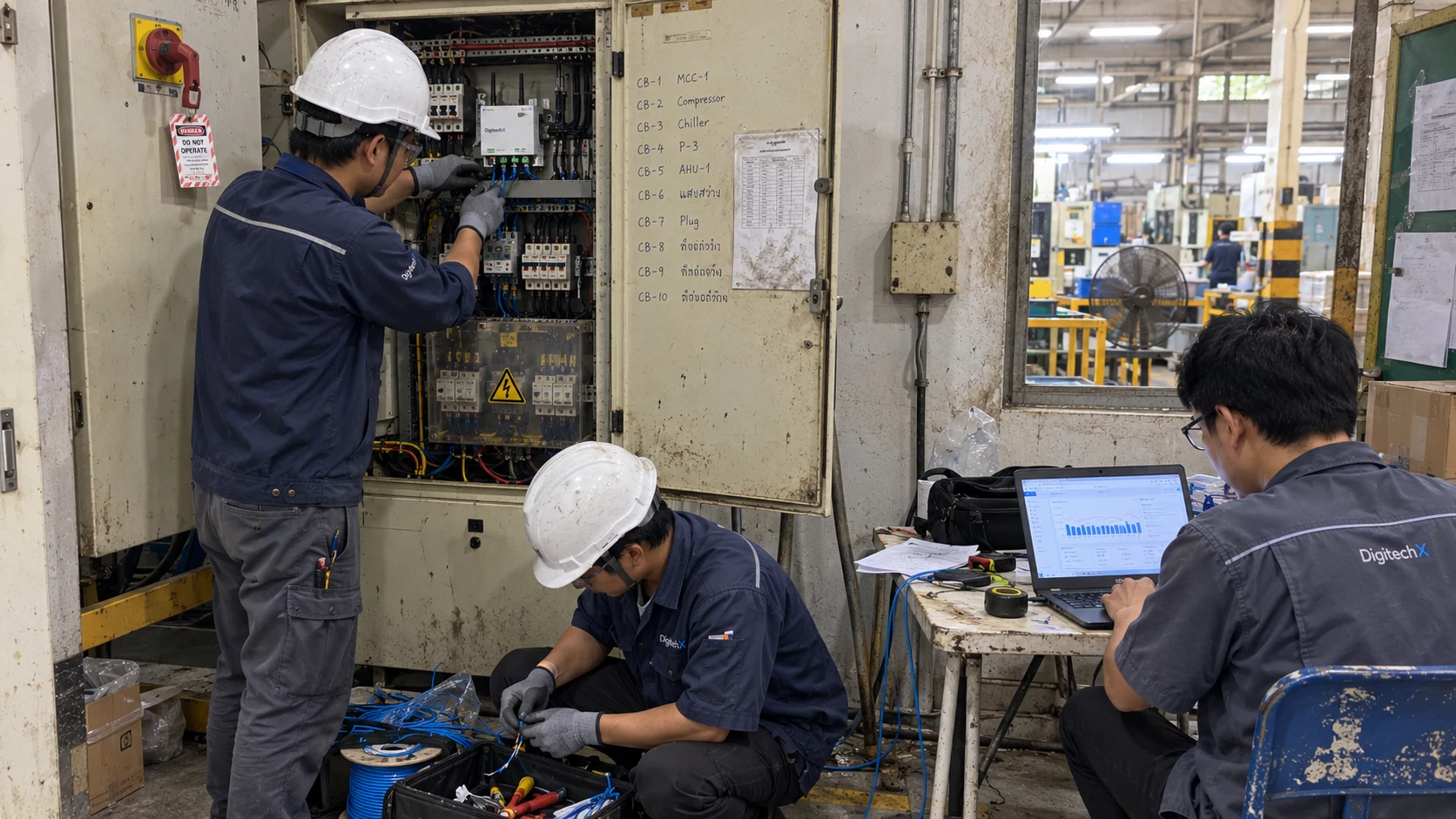
Confirm meter boundaries, network access and data quality before agreeing a connection. Review a pilot against source readings.
Copied. Paste the summary into your message to DigitechX.Copying is unavailable. Please download the summary instead.Start by mapping the main meter’s coverage; building-level comparisons require appropriate submeters.
Pilot a building that already has a meter, then identify gaps in the remaining areas.
Record parent and child meters so shared-service consumption is not counted twice.
Compare against the actual opening schedule and activities on that day.
Check essential overnight loads such as security or refrigeration before flagging excess usage.
Review interval demand alongside the equipment running at that time; energy totals alone do not show peak demand.
Keep gaps visible and check meter communication before estimating any missing readings.
Retain the original reading and the reason for a correction so another reviewer can trace it.
Agree the monthly cut-off and reconcile exported totals with the same source period.