Review stoppages and their reasons
Review stoppage periods and recorded reasons, such as material waits, changeovers and breakdowns. Follow up on events that still need a reason.
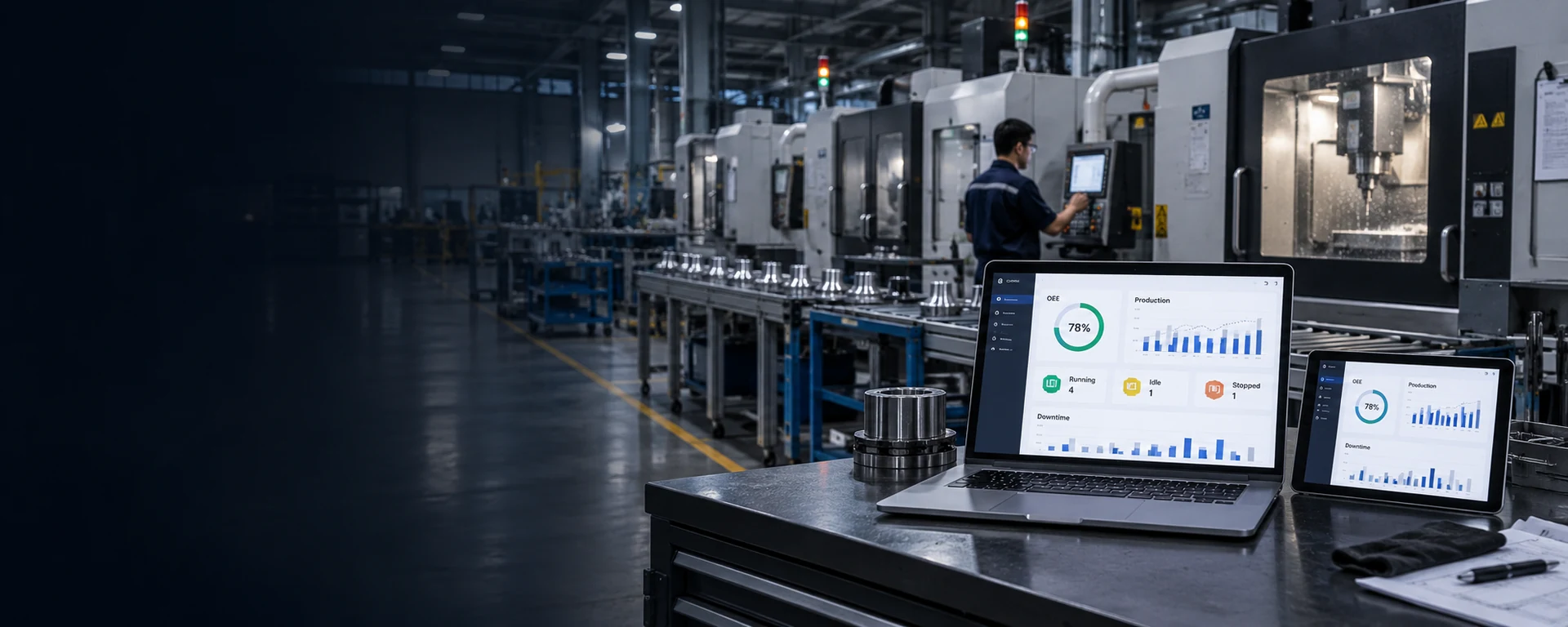
OEE Management System
For factories and machine builders
Track machine status, output against plan, downtime and rejects. Production and maintenance teams can review each shift and prioritize improvements using the same records.

This Thai-language sample system uses simulated data, including forecast values. It is not connected to live machines.
Sample application
Select a machine on the map, compare output with its target, and review the downtime, production speed and good output used to calculate OEE.
Production losses
Review stoppage periods and recorded reasons, such as material waits, changeovers and breakdowns. Follow up on events that still need a reason.
Compare hourly and machine-level output with the shift plan. Review average cycle times and periods when output falls below target.
Review running time, production speed and good output separately so production and maintenance teams can analyze the losses together.
Overall Equipment Effectiveness (OEE) combines Availability × Performance × Quality to assess how effectively planned production time is used.
Actual running time as a share of planned production time.
Compare actual output with the maximum possible output during the same running time.
First-pass good units as a share of total output, excluding units that need rework.
Agree on shifts, breaks, Ideal Cycle Time and rules that exclude rework from good counts before implementation.
Implementation approach
Production and maintenance work with DigitechX to identify the machines and issues to monitor, such as repeated stops, slow production or high rejects.
DigitechX reviews available machine states and counters, then agrees on shifts, breaks, ideal cycle times and stop-reason categories with the factory.
Users compare displayed counts and time periods with production records to verify the data and counting rules before expanding the deployment.
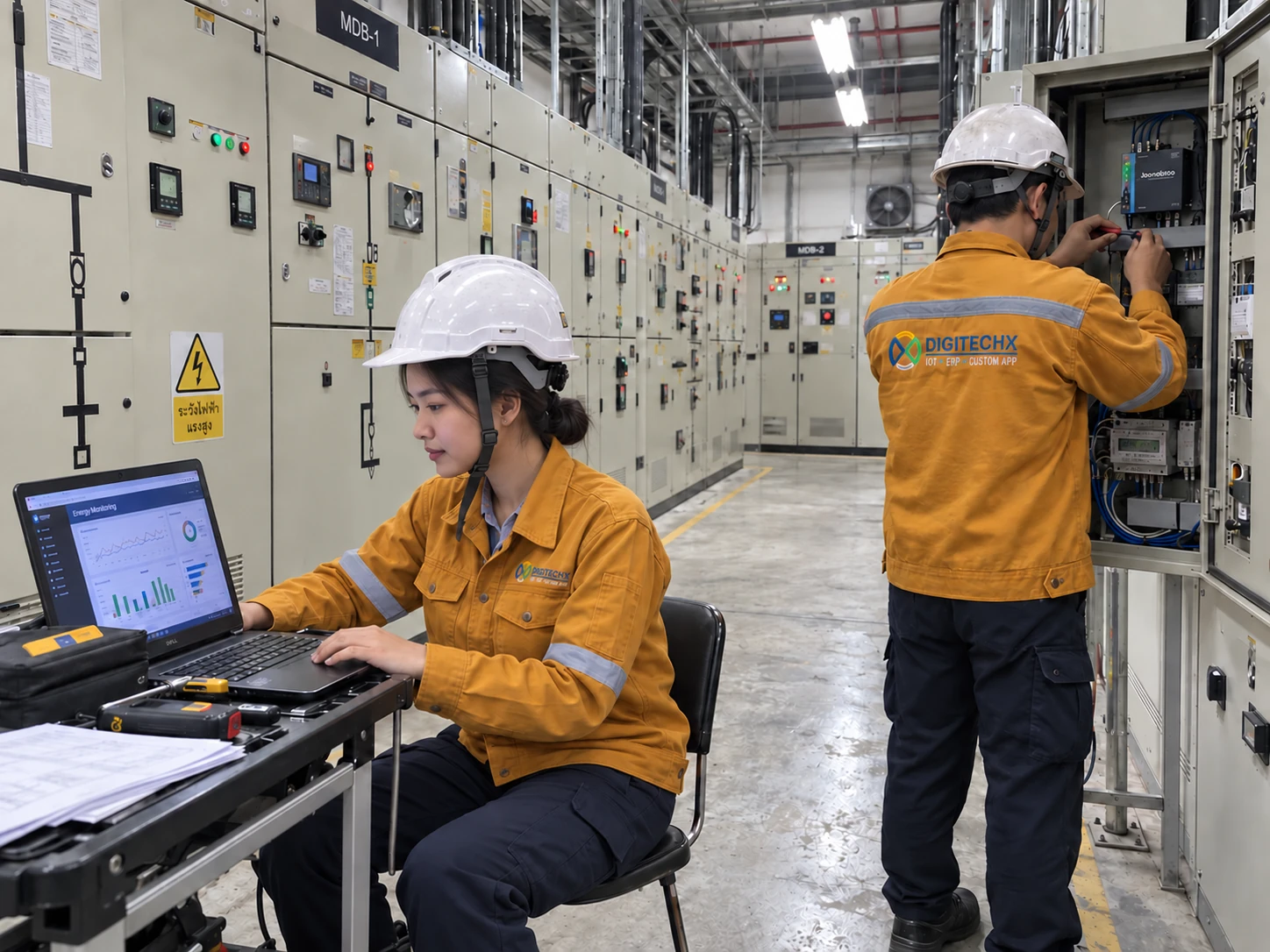
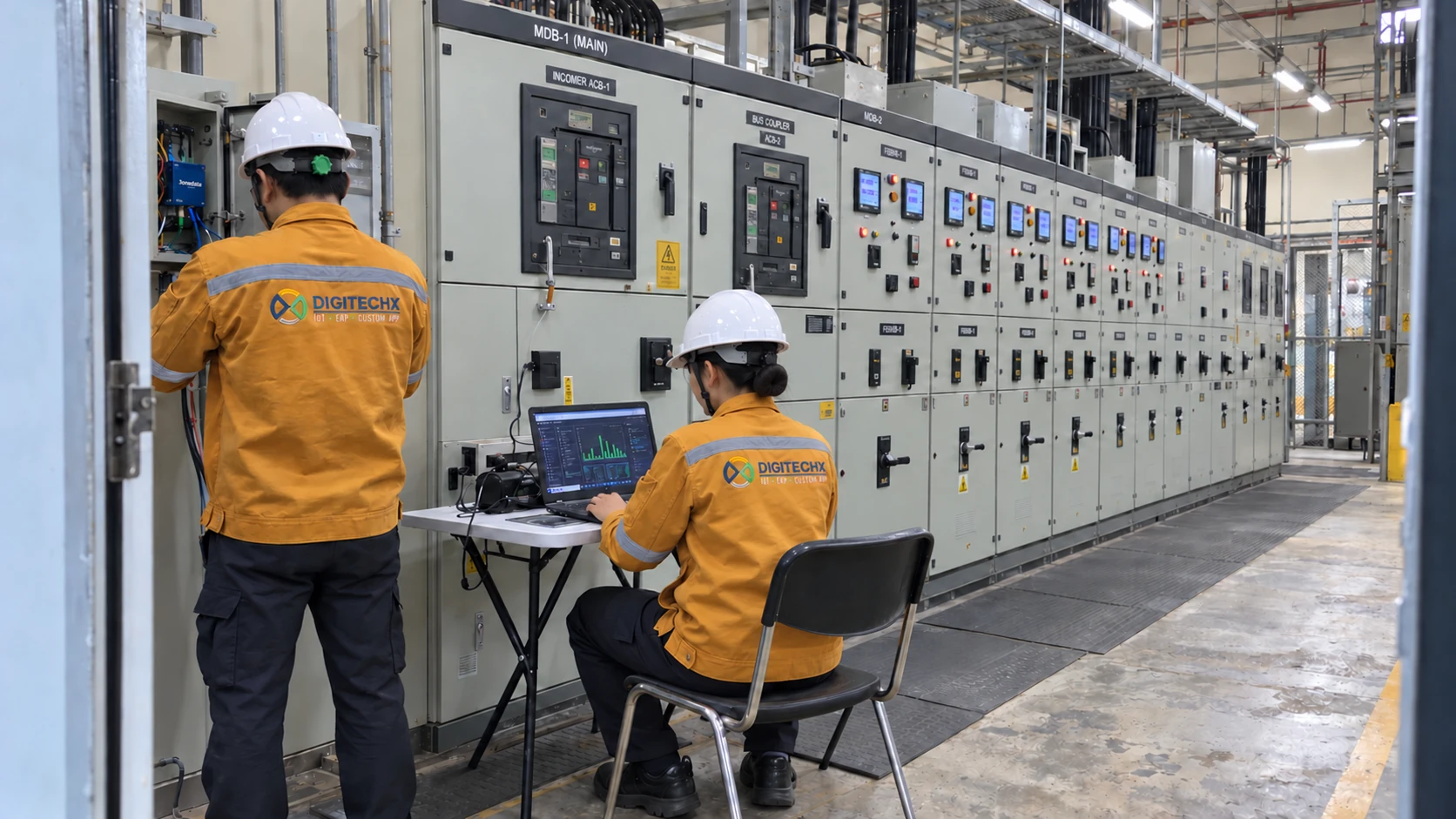
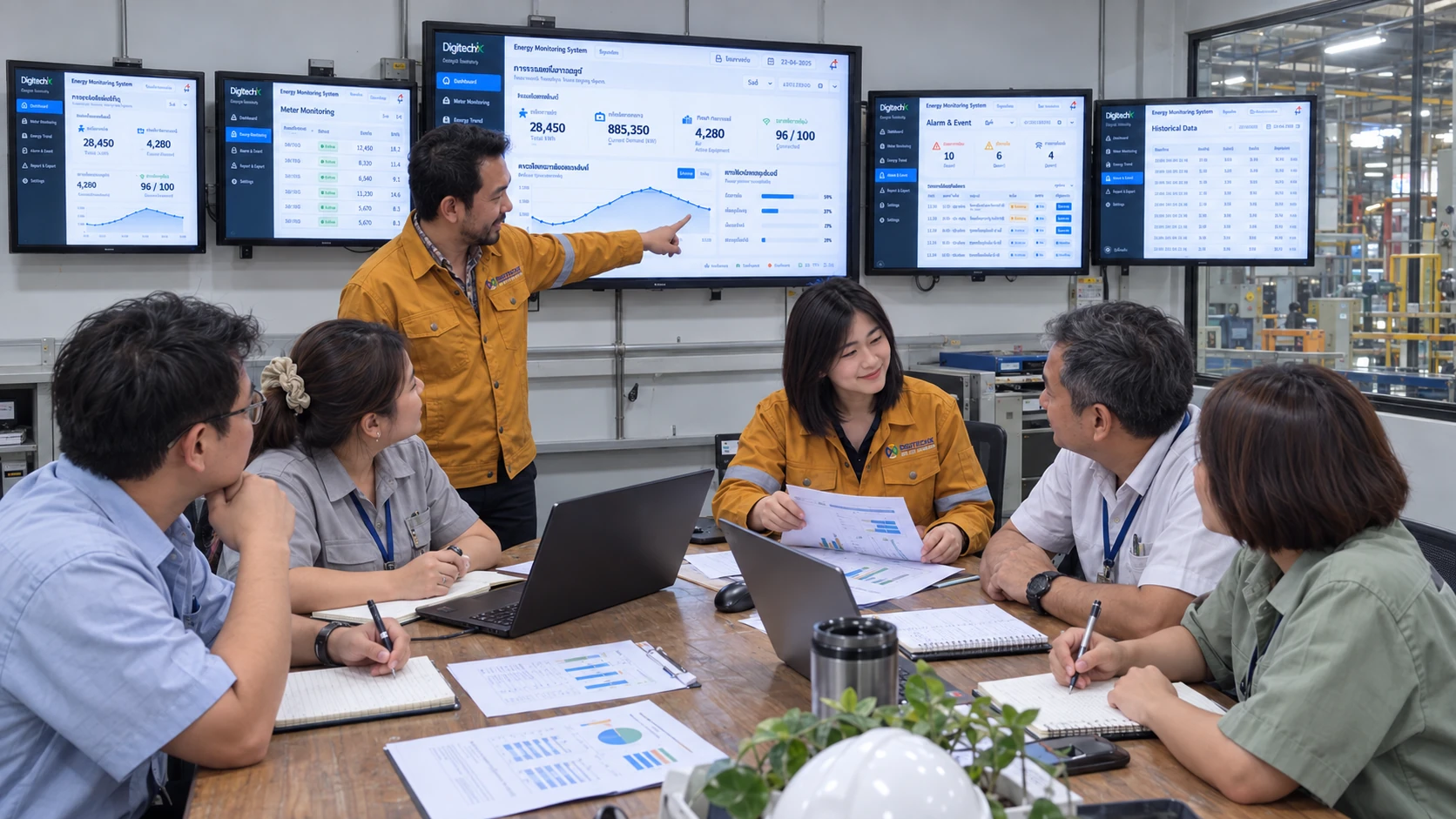
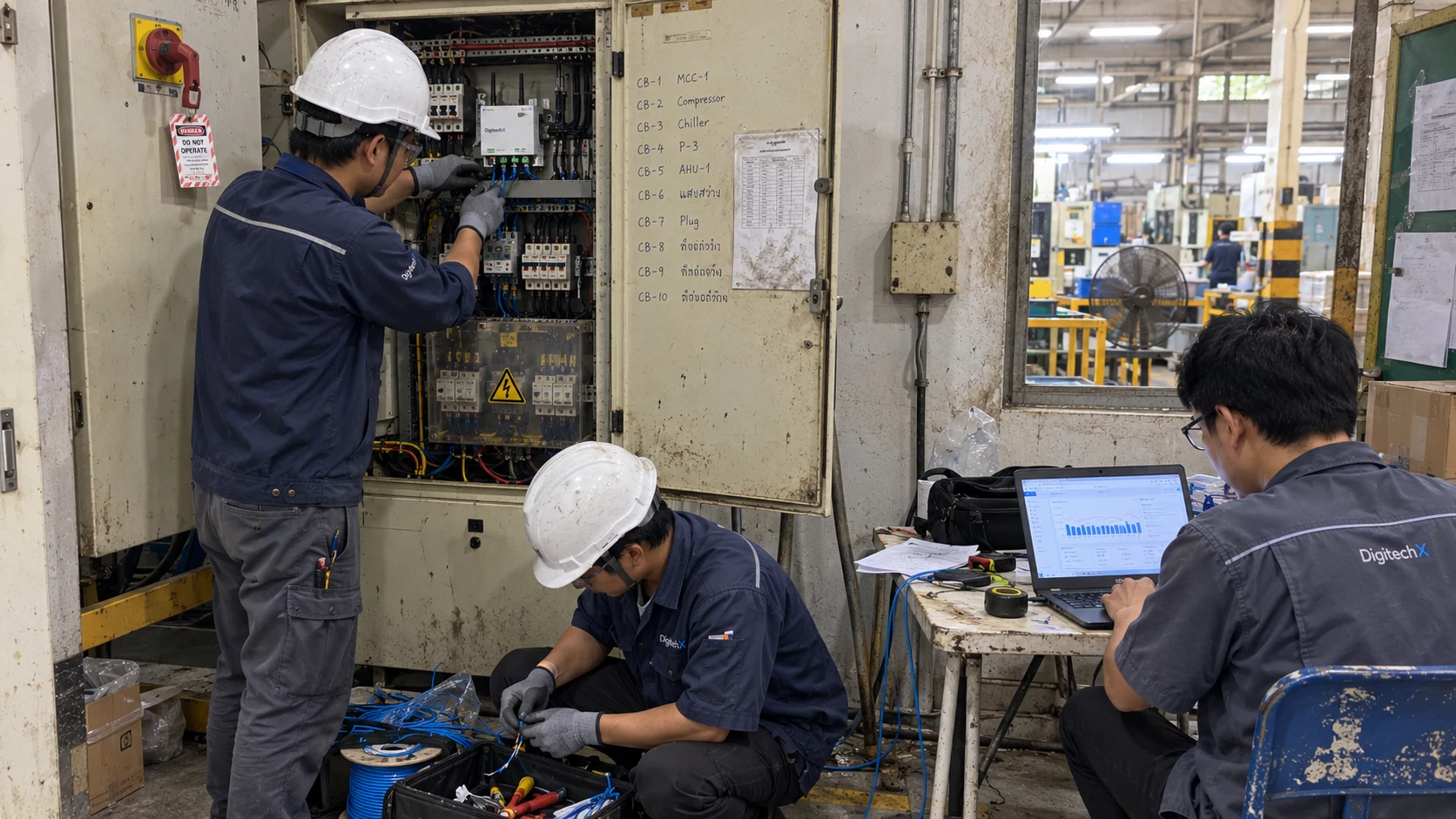
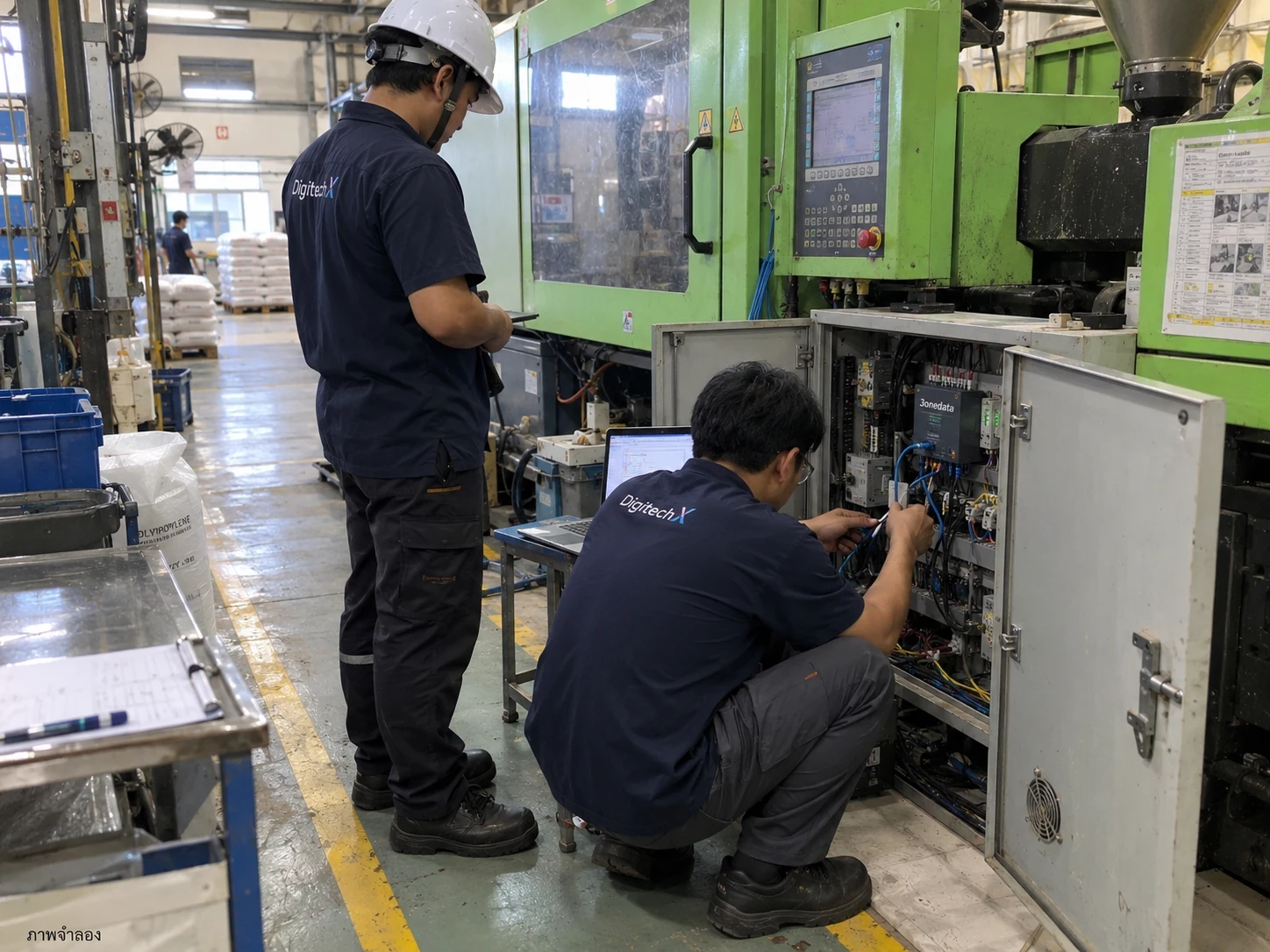
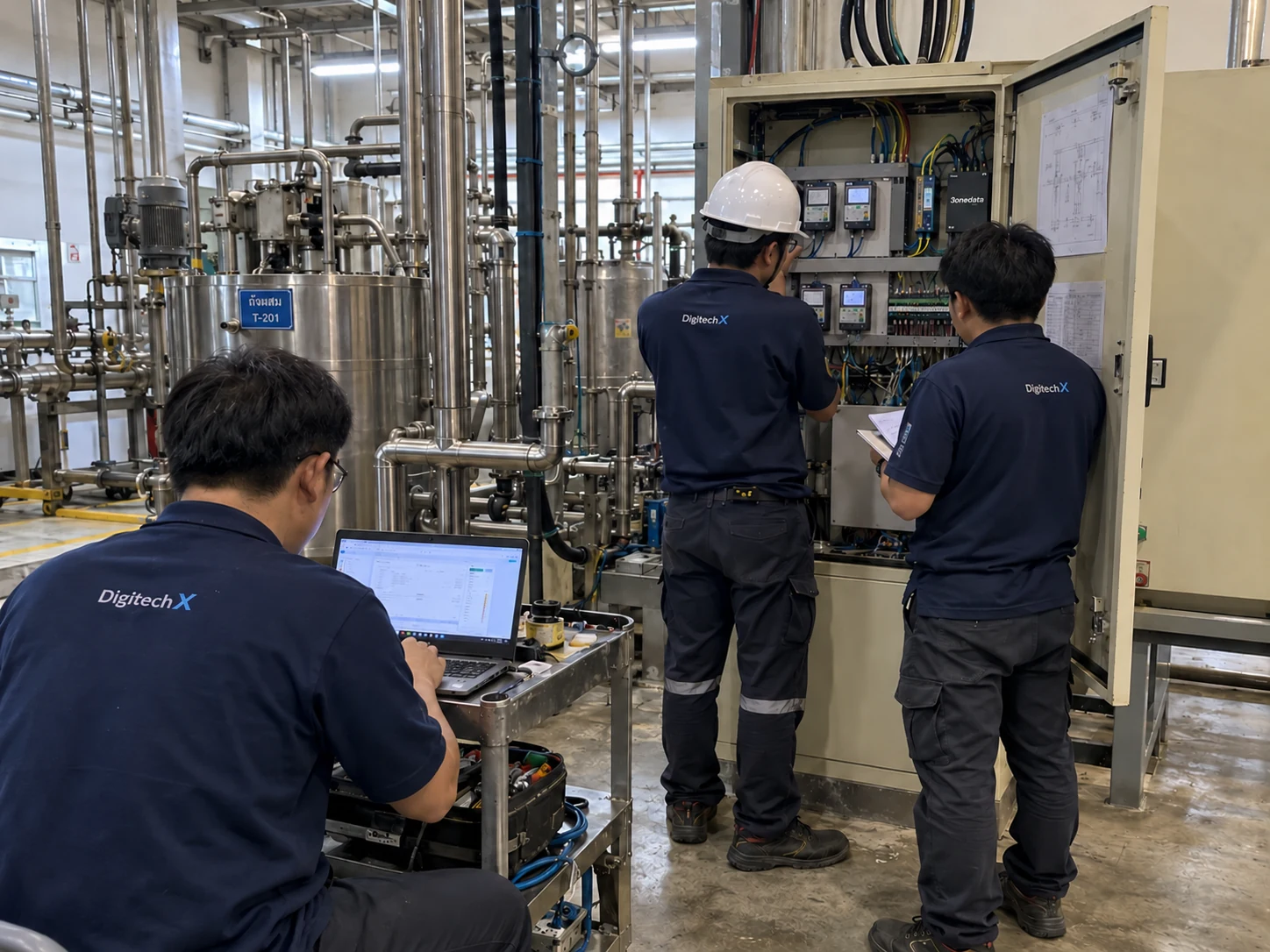
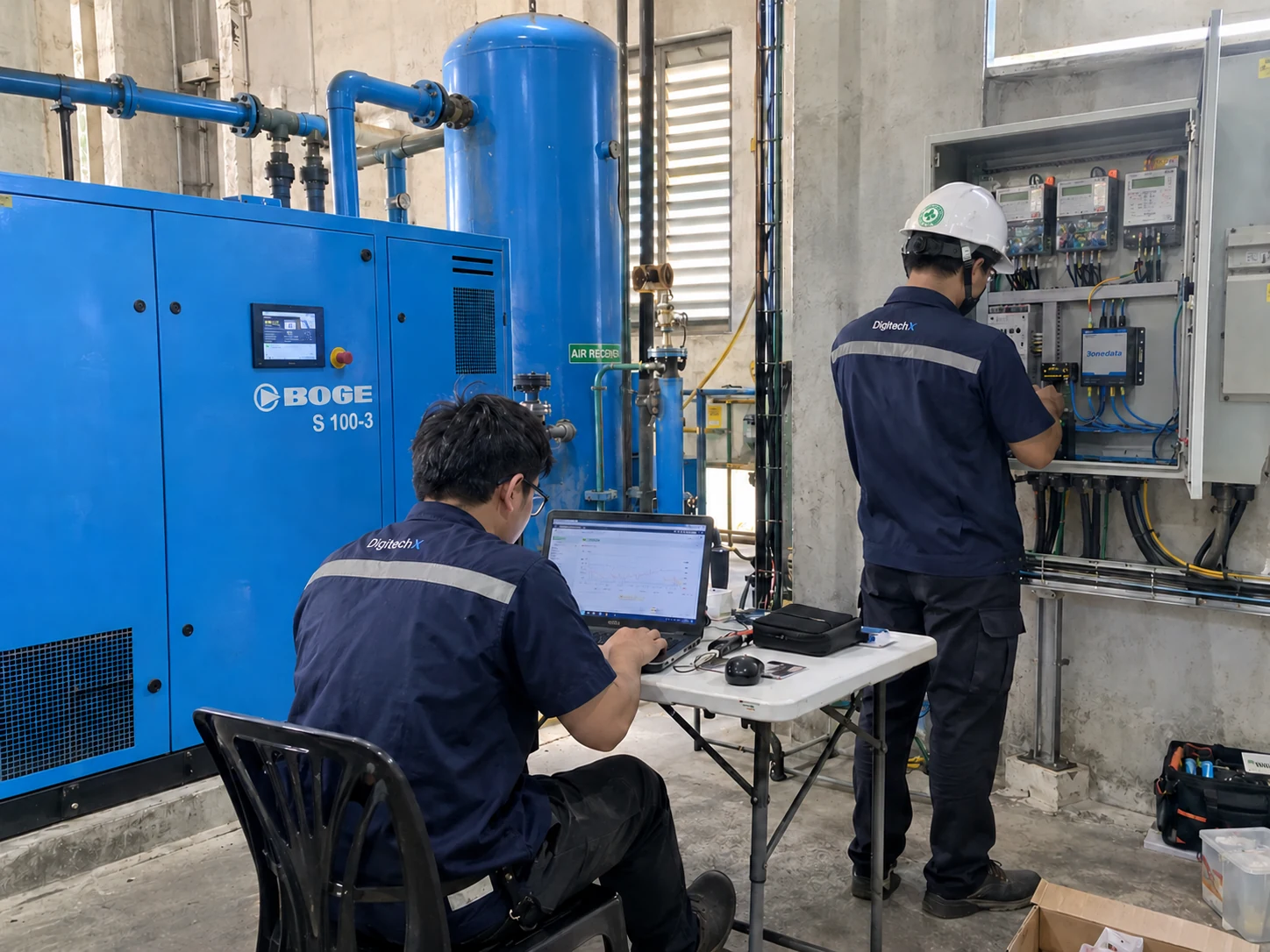
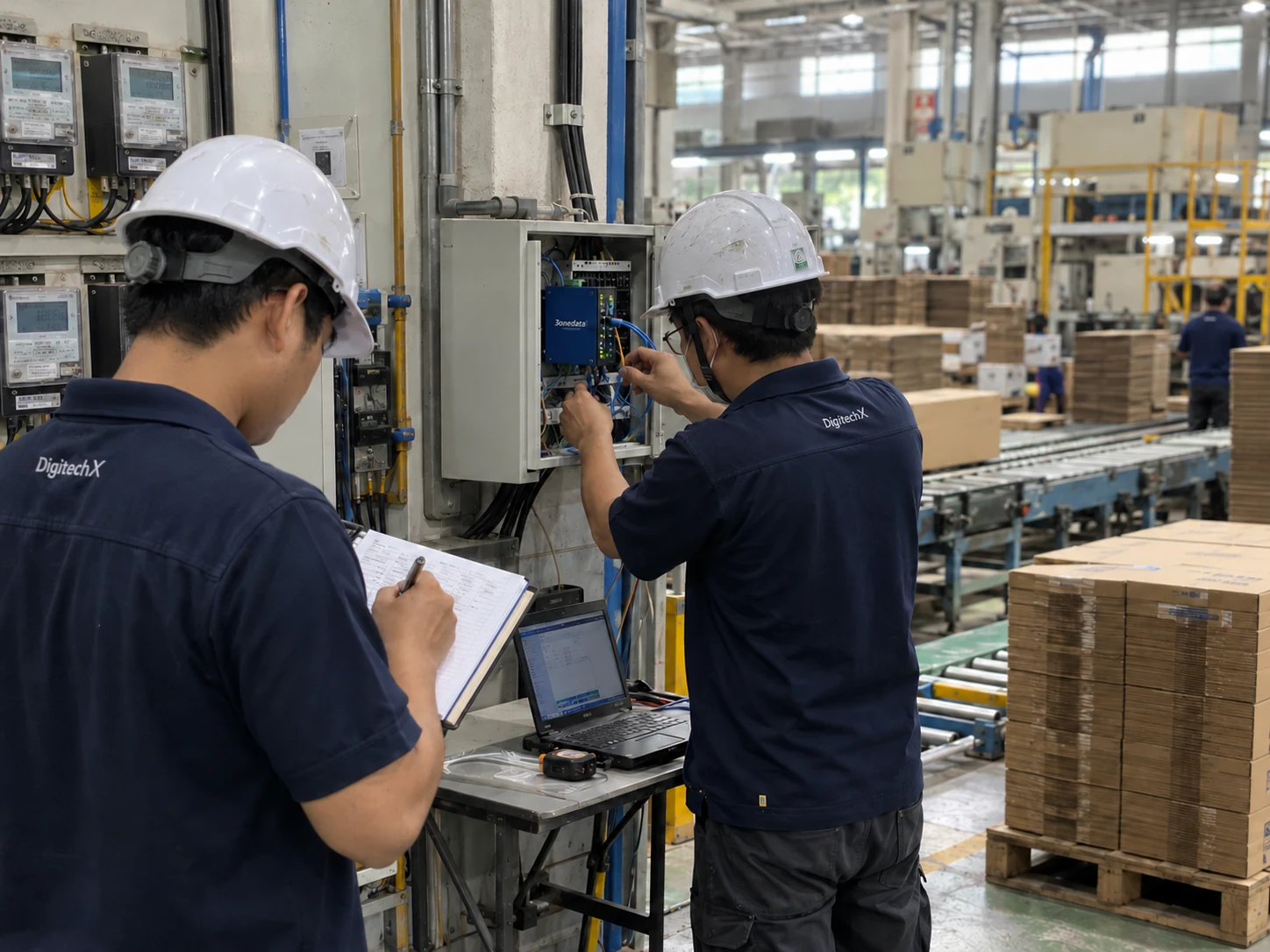
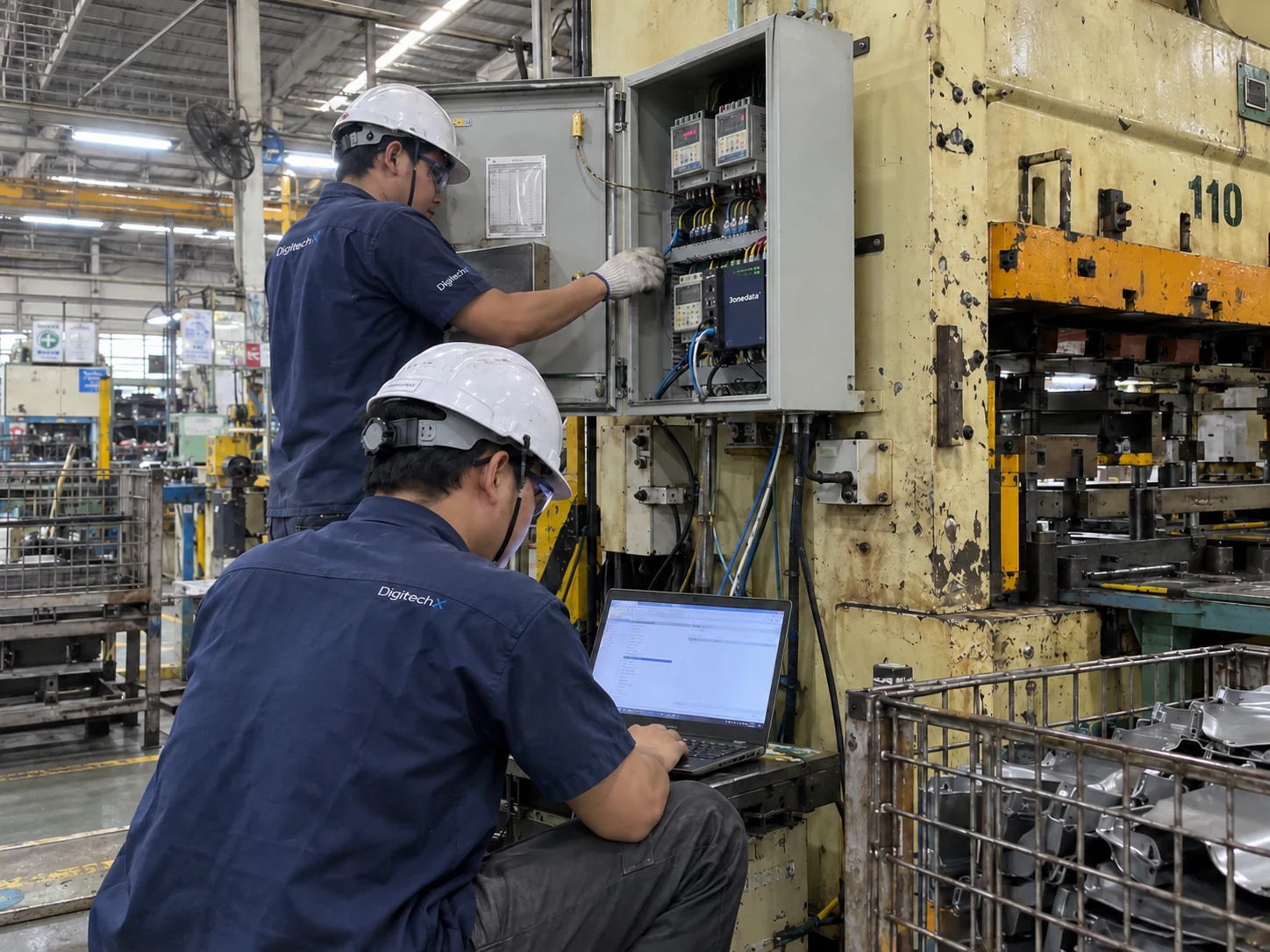
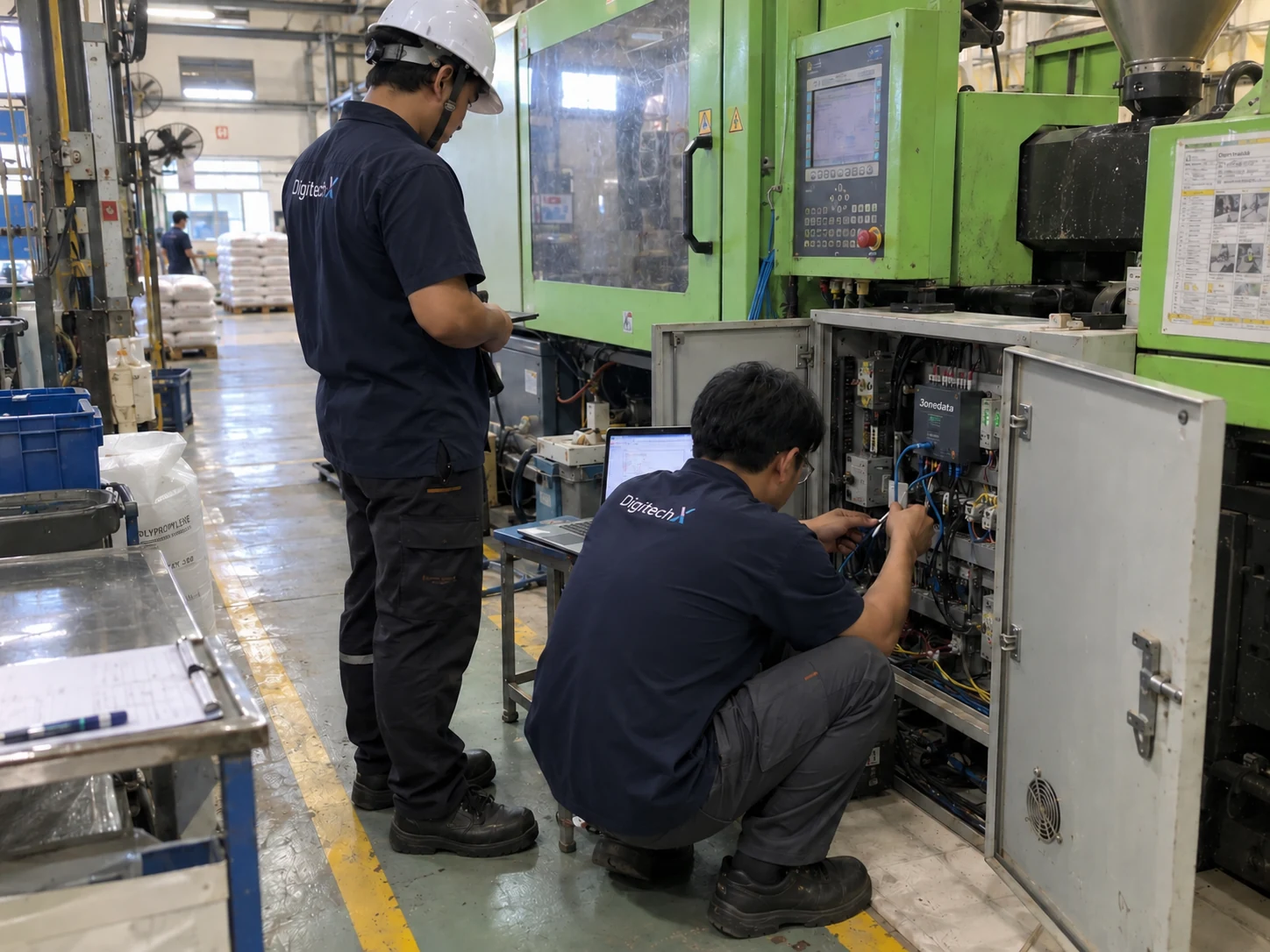
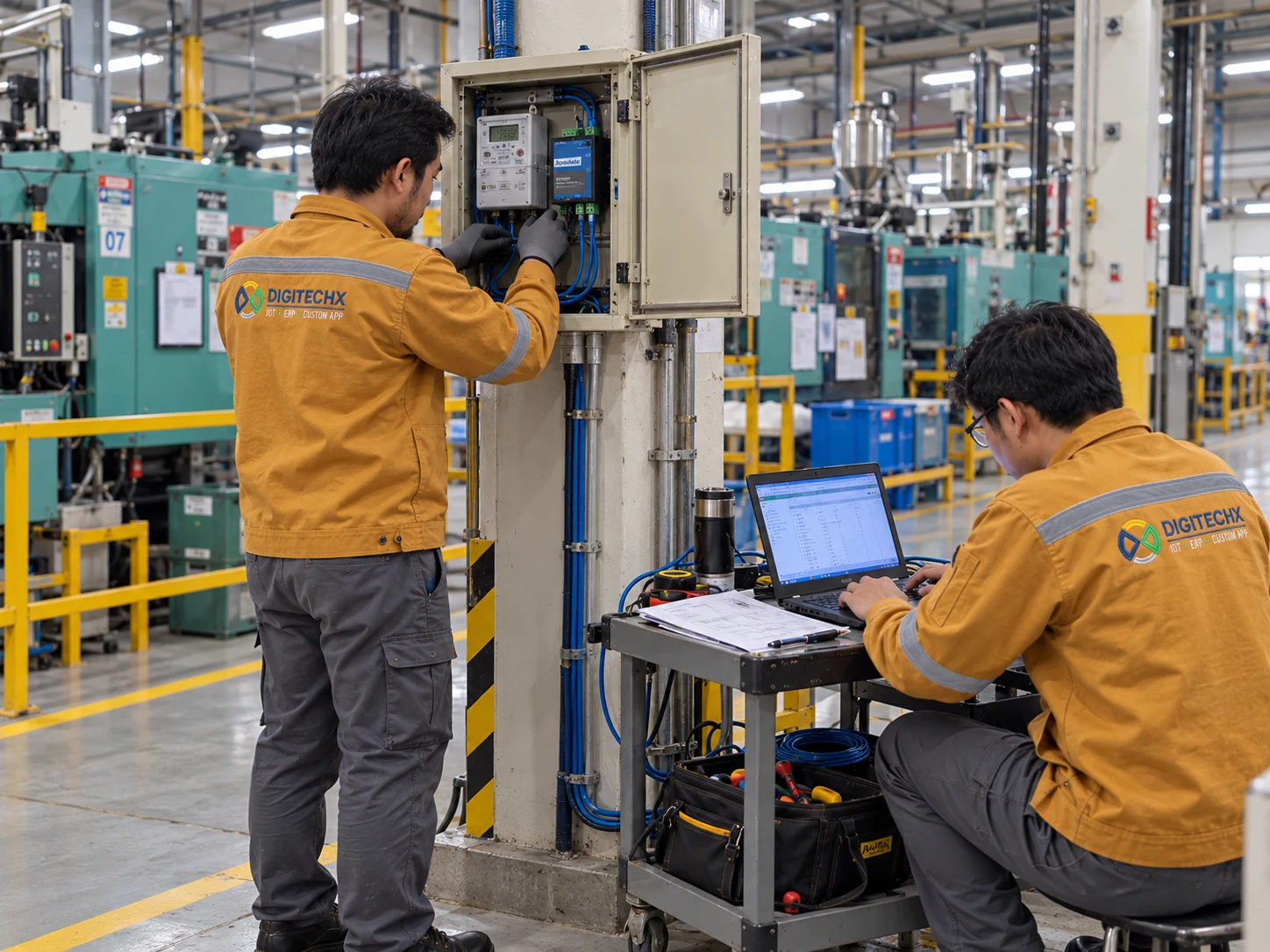
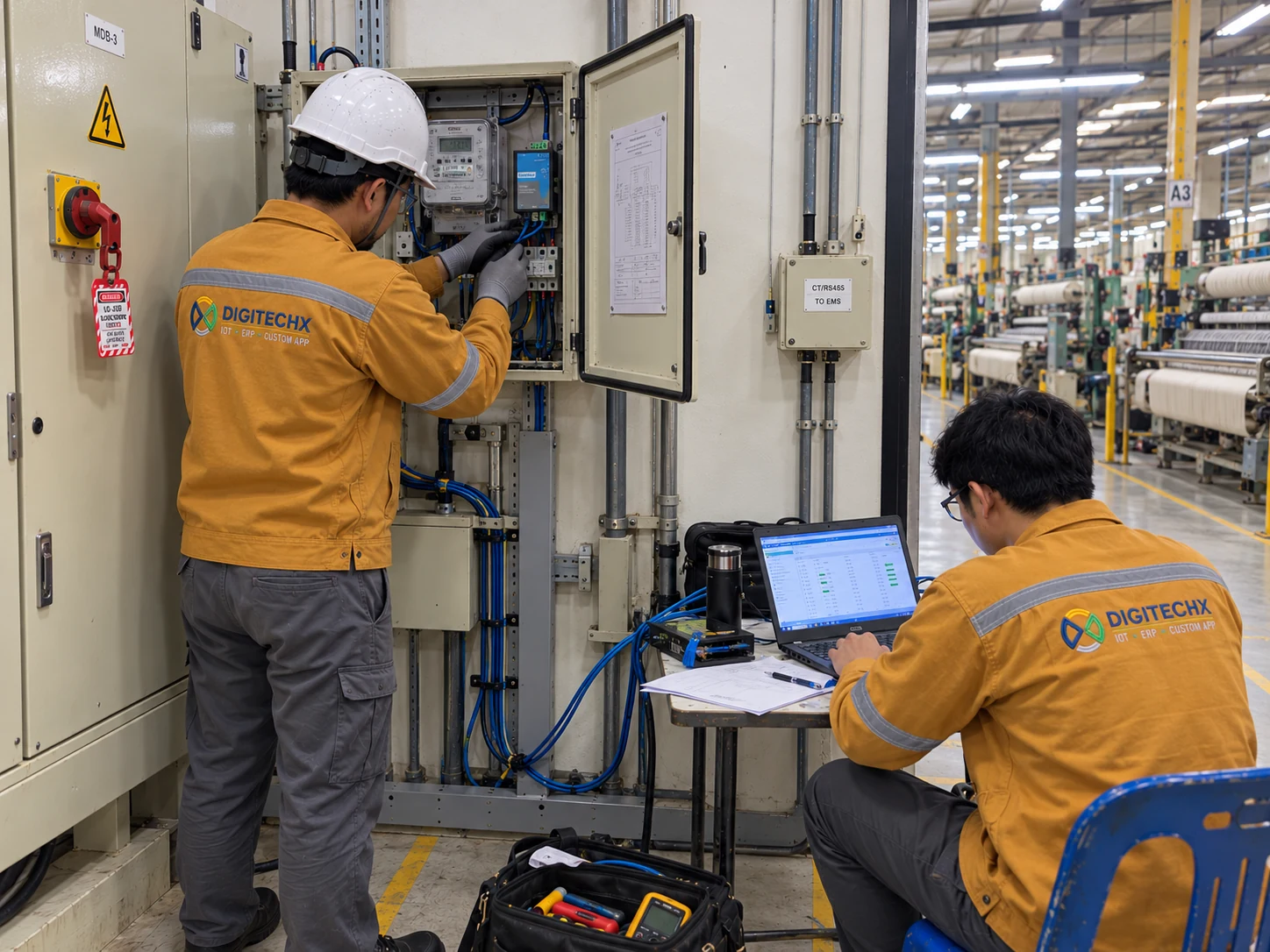
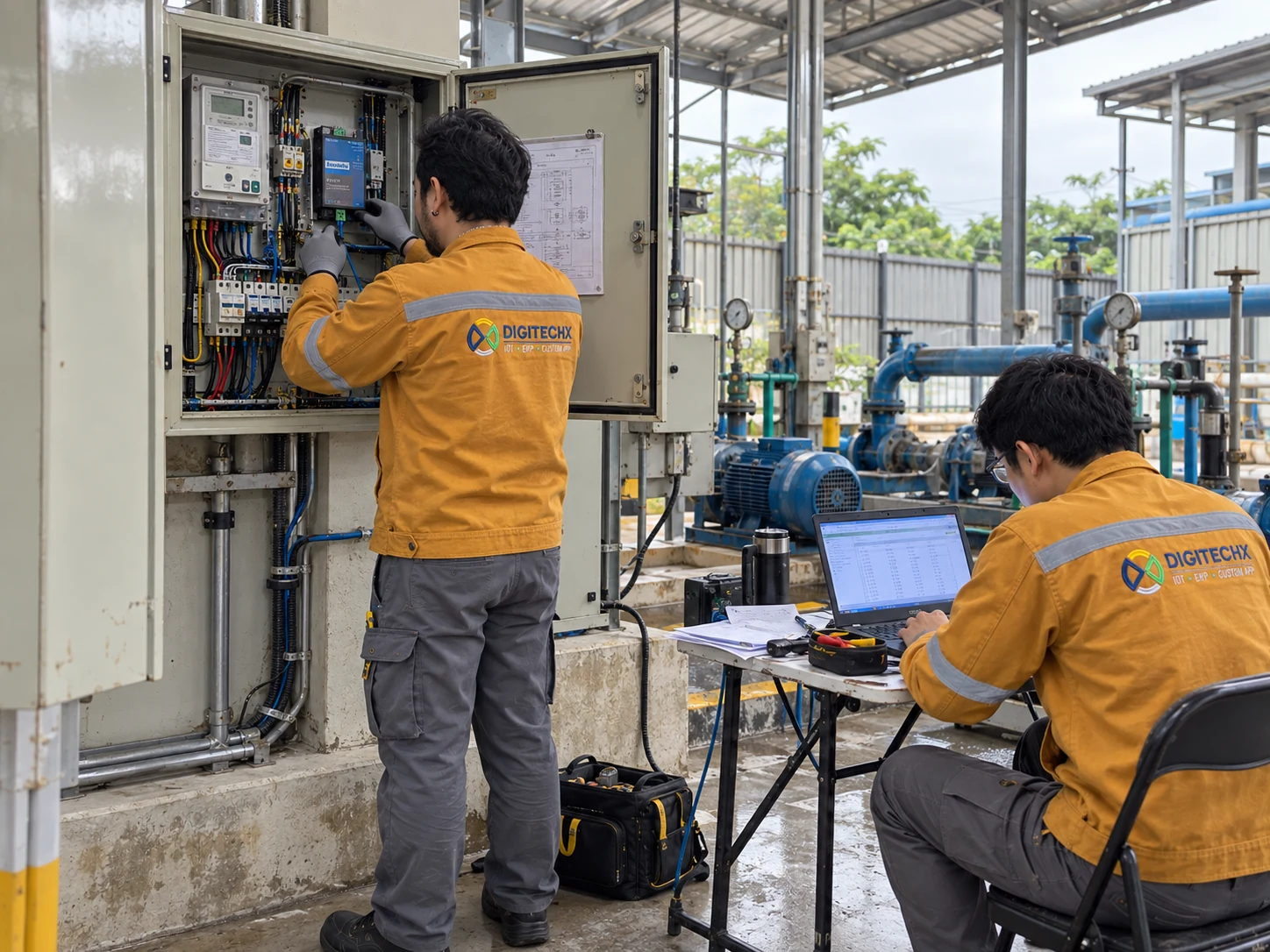
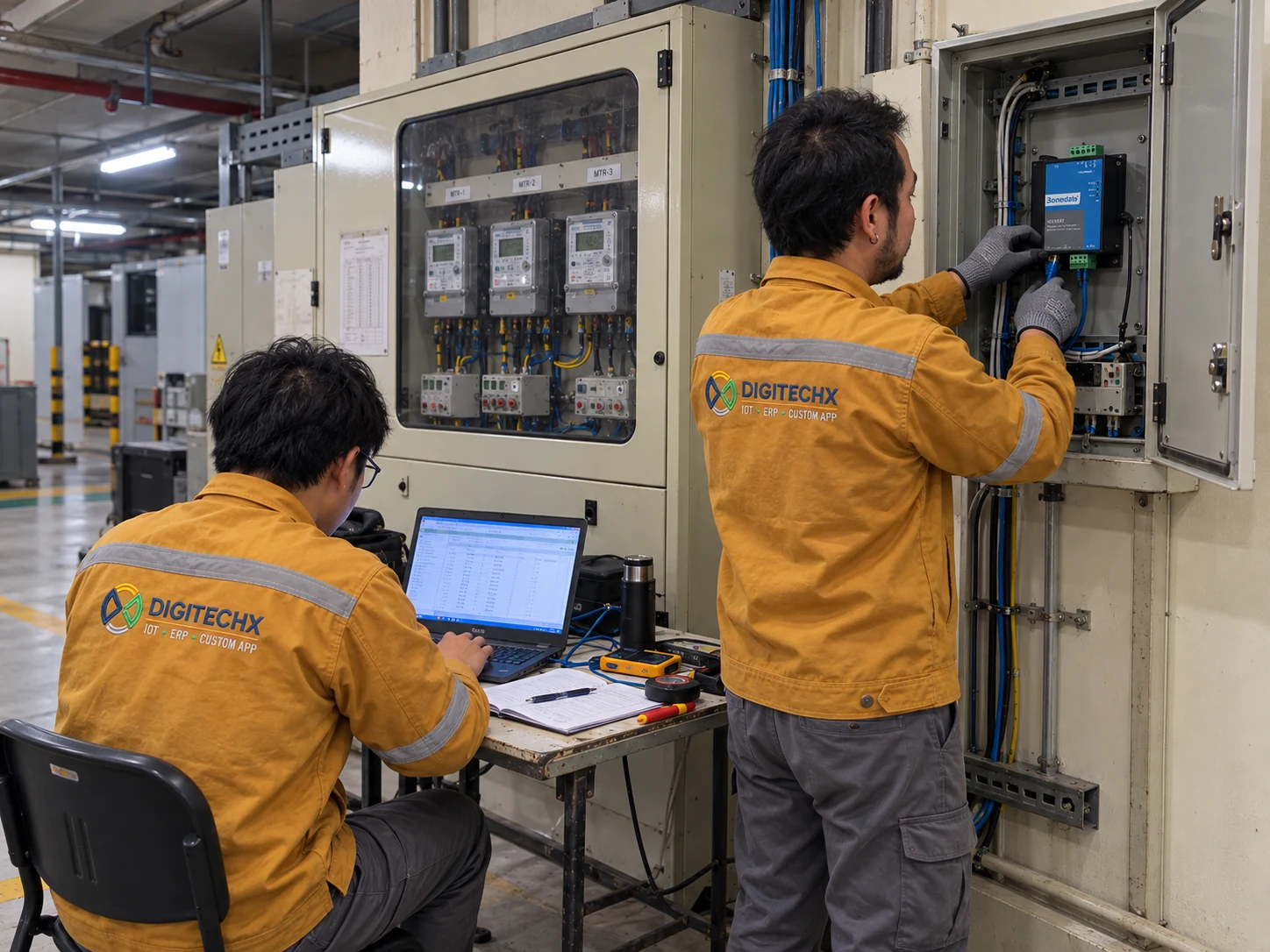
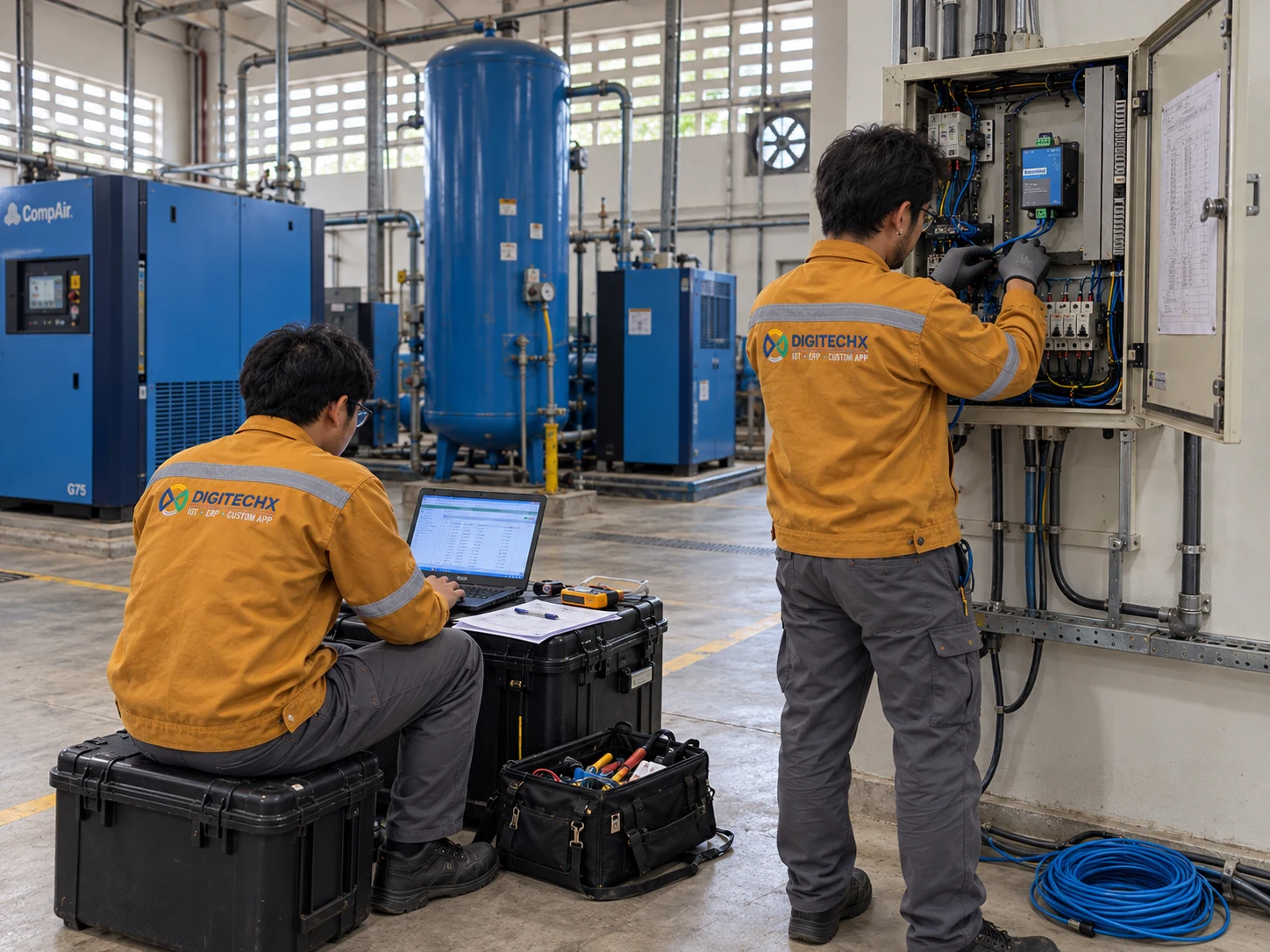
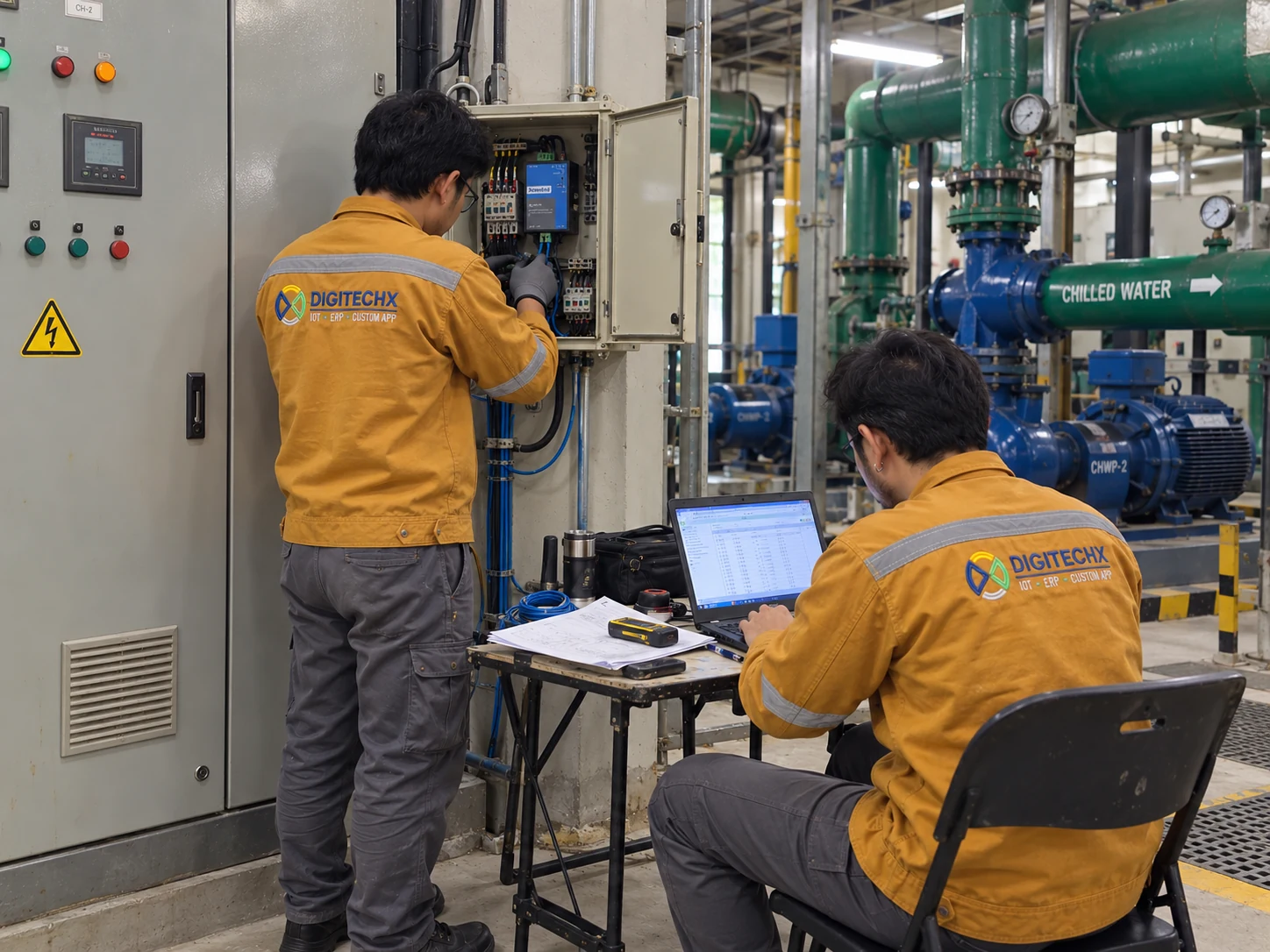














DigitechX first reviews the machine models, PLC controllers and available states or counters to define the connection method and any equipment required.
Prepare a machine list, the number of lines, shifts, breaks, sample production reports and the issues to address. Include an existing PLC data list if available.
OEE tracks output, downtime, production speed and good-output ratios. Vibration monitoring tracks mechanical condition. They use different information to investigate different types of problems.
Stop reasons require supporting machine signals or event codes. If a machine provides only a stopped state, an operator must record the reason, such as waiting for material or changing jobs.
Share your machine count, production process and available data so DigitechX can assess the data-collection method and system scope for your factory.