
Cycle counting means checking selected stock or locations on a recurring schedule. It helps investigate discrepancies without waiting for a full warehouse count. When physical stock differs from the system, preserve both figures first; changing the balance alone does not explain the cause.

1. Define what the count includes
Choose one location or a small product group. Prioritize recurring discrepancies or operational impact, and assign a count owner and reviewer.
Set the count boundary
Specify product, lot, location, owner and unit. Open containers may require a measured net quantity rather than a package count.
Control the timing
Record the count time. Pause relevant movements where practical, or retain every receipt and issue that occurs during counting.
2. Reconcile the movement before correcting it
Illustrative example: the system shows 100 units and a count finds 94. Before posting a six-unit loss, check whether six units were physically dispatched but the issue transaction has not yet been recorded.
Follow the documents
Review receipts, transfers, picking, dispatch, returns and repacking for the affected product and period.
Check identity and units
Look for a wrong location, duplicate entry or mixed package and net-weight units. Recount the affected stock if the evidence remains unclear.
3. Record the decision and prevent recurrence
A reviewed adjustment should preserve the original count, difference, reason and responsible people. Separate a quantity correction from any required accounting review.
Keep the evidence
Attach the relevant count and movement references. Agree how late transactions and corrections are handled before applying the change.
Check the next cycle
Track repeated discrepancies by cause. A recurring receiving error needs a workflow change, not another unexplained adjustment.
Sources: [2]
Frequently asked questions
Must cycle counts stop the entire warehouse?
Not necessarily. The chosen scope needs controlled timing and a way to reconcile movements while the count is in progress.
Does a matching total prove that all stock is correct?
No. One location or lot may be overstated while another is understated. Check at the identification level required by the operation.
Review the warehouse workflow
DigitechX WMS connects lot and location information with warehouse movements. Use one discrepancy case to discuss the records, review steps and ERP connections needed for your project.
Click to view details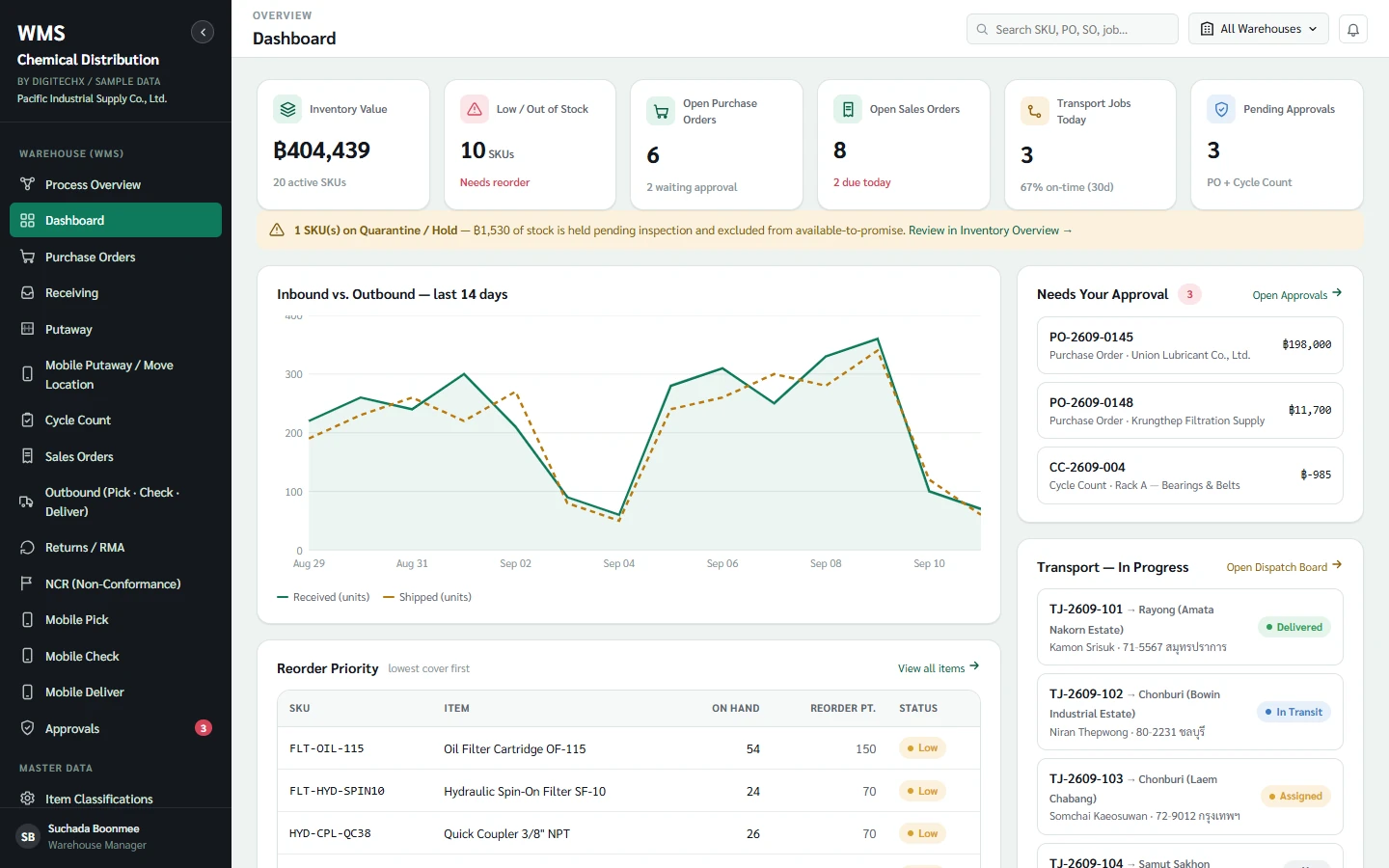
References
Information and sources reviewed: 8 October 2026