
A warehouse management system (WMS) records and coordinates stock movements, locations and warehouse tasks. Before comparing software screens, agree how receiving, storage and dispatch should work. A useful starting point is one product group with recurring checking or recording problems.

1. Define receiving and storage
Each record needs a product, quantity, location and accountable person. For lot-controlled goods, retain the lot identity through movement.
Receiving
Decide who confirms product codes, units and quantities against the source document, and how shortages or damaged packs are recorded.
Putaway
Define location codes and the confirmation that goods actually reached the assigned position. Include stock waiting for inspection.
Sources: [1]
2. Separate allocation from physical picking
An order reservation and a completed movement describe different events. Agree which team records each one before connecting warehouse and sales records.
Allocation
List customer, product and lot restrictions. For chemical distribution, include approved grade, manufacturer and required documents.
Picking
Test how the worker identifies the location, container and quantity. Include a damaged label or a product that cannot be substituted.
Sources: [1]
3. Close dispatch and investigate differences
Pilot these six tasks with real sample documents. Agree which records the enterprise resource planning system (ERP) owns, then compare the warehouse result with them.
Dispatch
Define the handover event that confirms the recipient, quantity and goods issued. Retain the link to the order.
Counting
Record actual counts separately from the recorded balance. Require a reviewed reason for corrections and retain the movement history.
Frequently asked questions
Does a WMS replace the ERP?
Not necessarily. Start by agreeing ownership of orders, stock movements, reservations and accounting records, then assess the required connection.
What should a first trial prove?
That staff can complete the chosen workflow, handle an exception and trace the result. Measure checking time and corrections against the current process.
Explore WMS for distributors
See DigitechX examples of lot, document and warehouse workflows. Bring one order and its warehouse records to discuss the functions and connections your operation needs.
Click to view details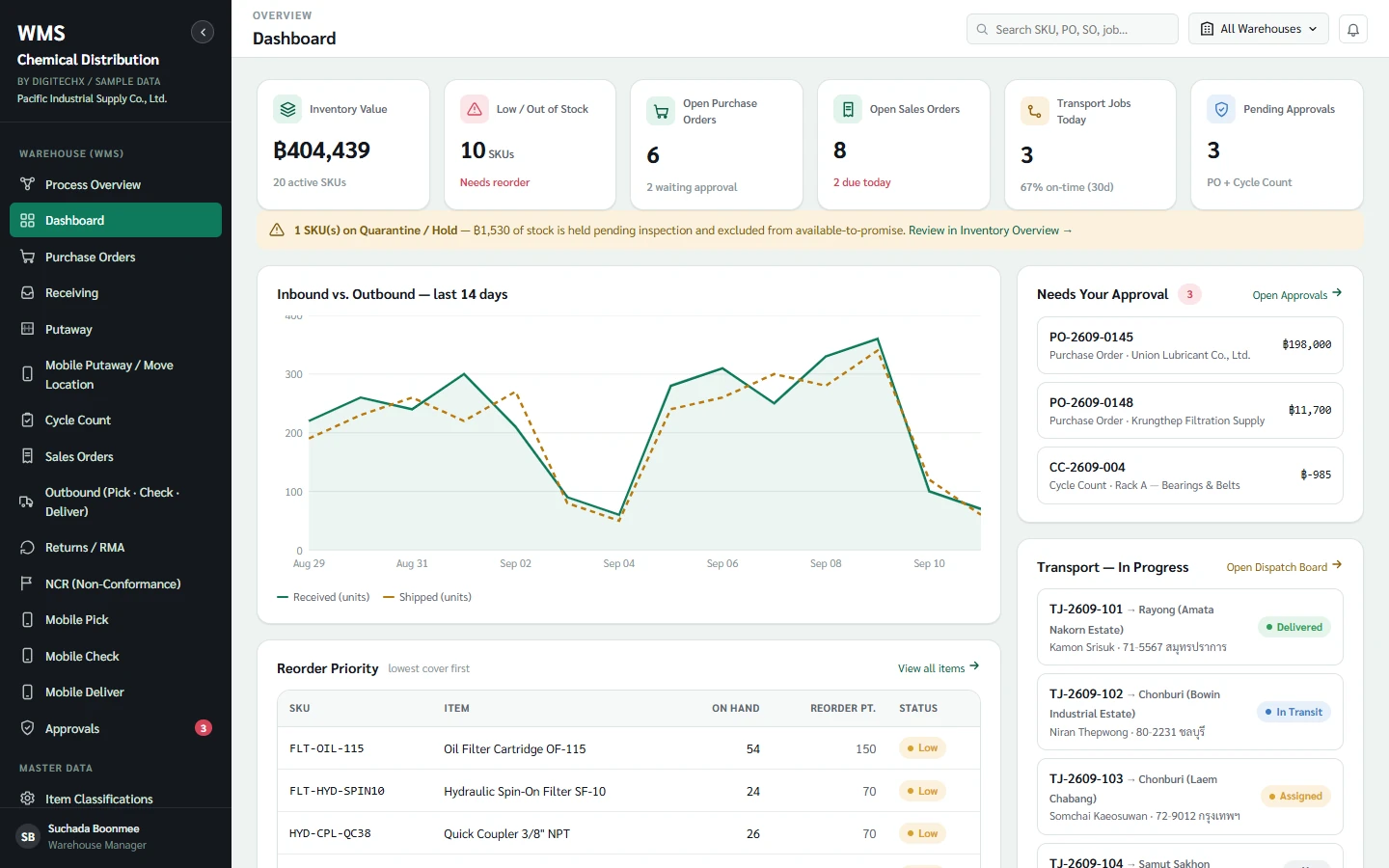
References
Information and sources reviewed: 8 October 2026