
A blank interval in an energy graph does not prove that the factory stopped consuming electricity. The meter, communications path or receiving system may have lost data. Preserve the missing period and check the collection path before using the report to explain savings or abnormal operation.

Locate the point where data stopped
Metering commonly connects a meter to a local logger or gateway and then to a data platform. The following checklist applies that structure to a missing-data investigation.
Check the source
Ask authorized personnel whether the meter still records values, and note the last valid timestamp visible locally.
Check the next stages
Compare the gateway and receiving system's last records, connection status and relevant service logs.
Sources: [1]
Check dates, units and record coverage
Gaps and overlaps can distort a report even when communications have resumed. ENERGY STAR identifies missing and overlapping billing periods as data-quality issues; apply the same coverage check to the periods used in your analysis.
Keep a missing value distinct
Do not replace an unknown reading with zero or copy the previous value without identifying it as an estimate.
Check the time alignment
Confirm the time zone, recording interval, units and duplicate records before combining recovered files.
Recover only what the evidence supports
Example: an unchanged cumulative meter counter reads 100 kWh before a gap and 126 kWh afterward. This supports 26 kWh across the gap, provided the counter did not reset; it does not reveal the missing interval-by-interval load shape.
Label the result
Distinguish measured, recovered and estimated values, retaining the original source and calculation.
Close the investigation
Record the cause, affected period, corrective action and whether the data is suitable for the intended comparison.
Sources: [3]
Frequently asked questions
Does an offline dashboard mean the meter has failed?
Not necessarily. Communications or the receiving service may be interrupted while the meter continues recording.
Can the report still be used?
It depends on the gap and the decision. State the coverage and recovery method; do not present an unavailable demand profile as measured data.
Review the data path behind the energy report
Explore readings, history, alerts and exported reports in DigitechX Energy Monitoring Software. Assess existing meters and access conditions before defining the integration.
Click to view details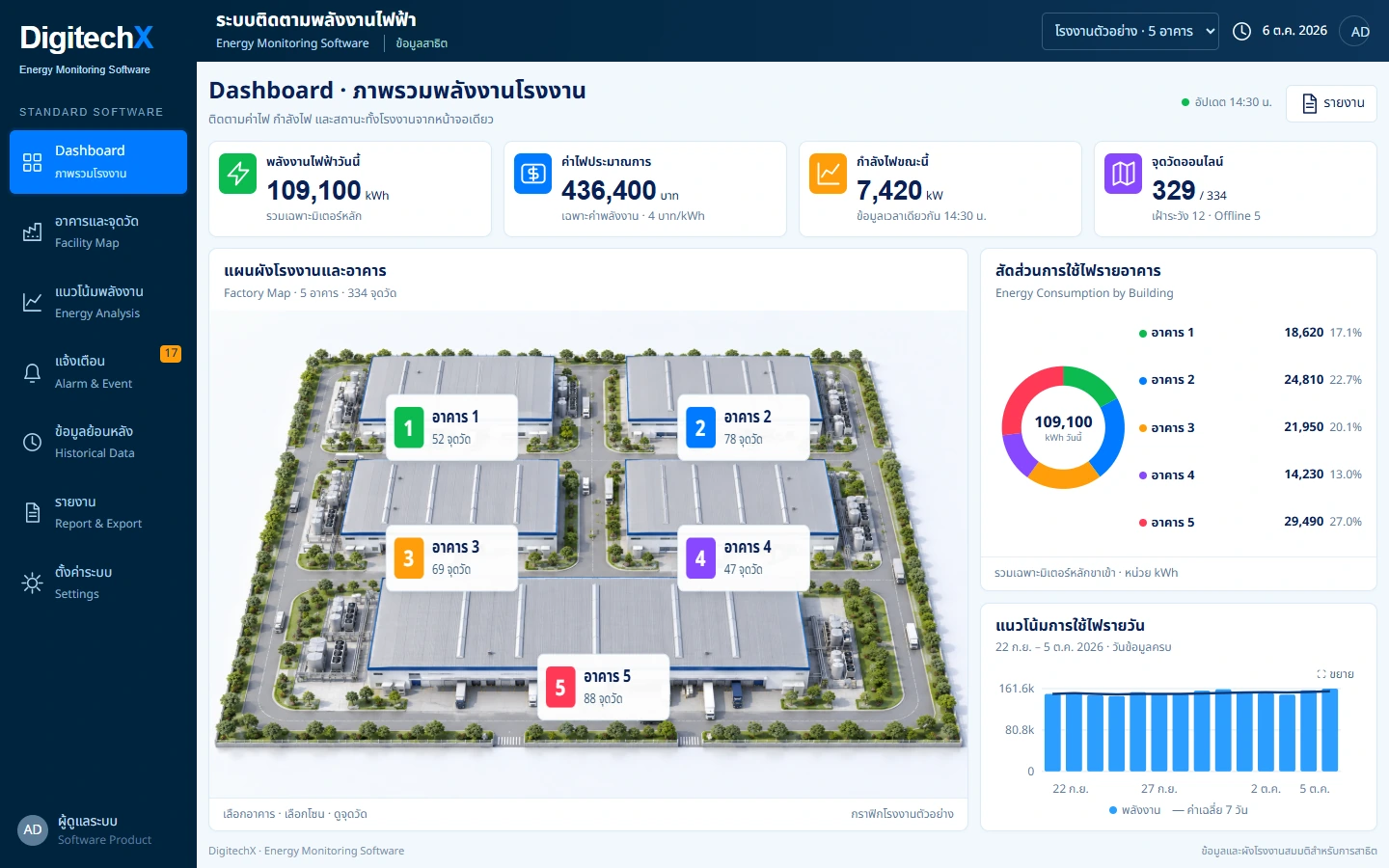
References
- Australian Government: Metering and monitoring, communication and connectivity
- ENERGY STAR Portfolio Manager glossary: meter gaps and overlaps
- DOE 50001 Ready: Energy Data Collection and Analysis
Information and sources reviewed: 8 October 2026