
Carbon calculation software needs a defined boundary and dependable activity data. For the purchased-electricity part of a Carbon Footprint for Organization (CFO) inventory, prepare the following six records first. A polished total cannot resolve missing or duplicated inputs.

Prepare the boundary, quantity and reporting period
Start with records that explain what the electricity total actually covers.
1. Sites and meters
Identify included sites, meter owners and shared loads. Record how main meters and submeters relate.
2. Electricity consumed
Use the relevant purchased-electricity quantity in kWh. Keep original units and conversion steps, rather than using the bill amount as energy.
3. Reporting periods
Align invoice dates and meter periods with the inventory year. Identify gaps and explain any approved estimate.
Sources: [1]
Prepare the factor, supporting documents and review record
A useful calculation trail connects every total to the assumptions behind it.
4. Emission factors
Keep the source, geography, applicable year, unit and version. Select factors under the chosen reporting method.
5. Supporting evidence
Retain bills, meter extracts and relevant electricity-purchase instruments. Do not assume a solar contract alone supports a zero-emission claim.
6. Review history
Record who checked the input, what changed and which calculation version was used for the reported result.
Test a real reporting period before importing everything
Choose one site and one completed month. Reconcile its evidence, flag estimated values and review the result with the person responsible for the inventory. Then apply the agreed structure to additional sites.
Keep the wider inventory in view
These six sets support electricity Scope 2 work. Fuel, refrigerants, value-chain activities and verification remain separate parts of a wider CFO project.
Sources: [2]
Frequently asked questions
Can the programme choose any emission factor?
No. The factor must suit the reporting method, energy source and applicable context. Keep the selection reviewable.
Is multiplying kWh by a factor always enough?
It can be one calculation step. Boundary decisions, data quality and any applicable location-based or market-based reporting requirements still matter.
Review the Scope 2 data workflow
Explore how DigitechX Carbon Management Software for Scope 2 organizes purchased-electricity records, factors and evidence. Agree the reporting boundary and calculation requirements before implementation.
Click to view details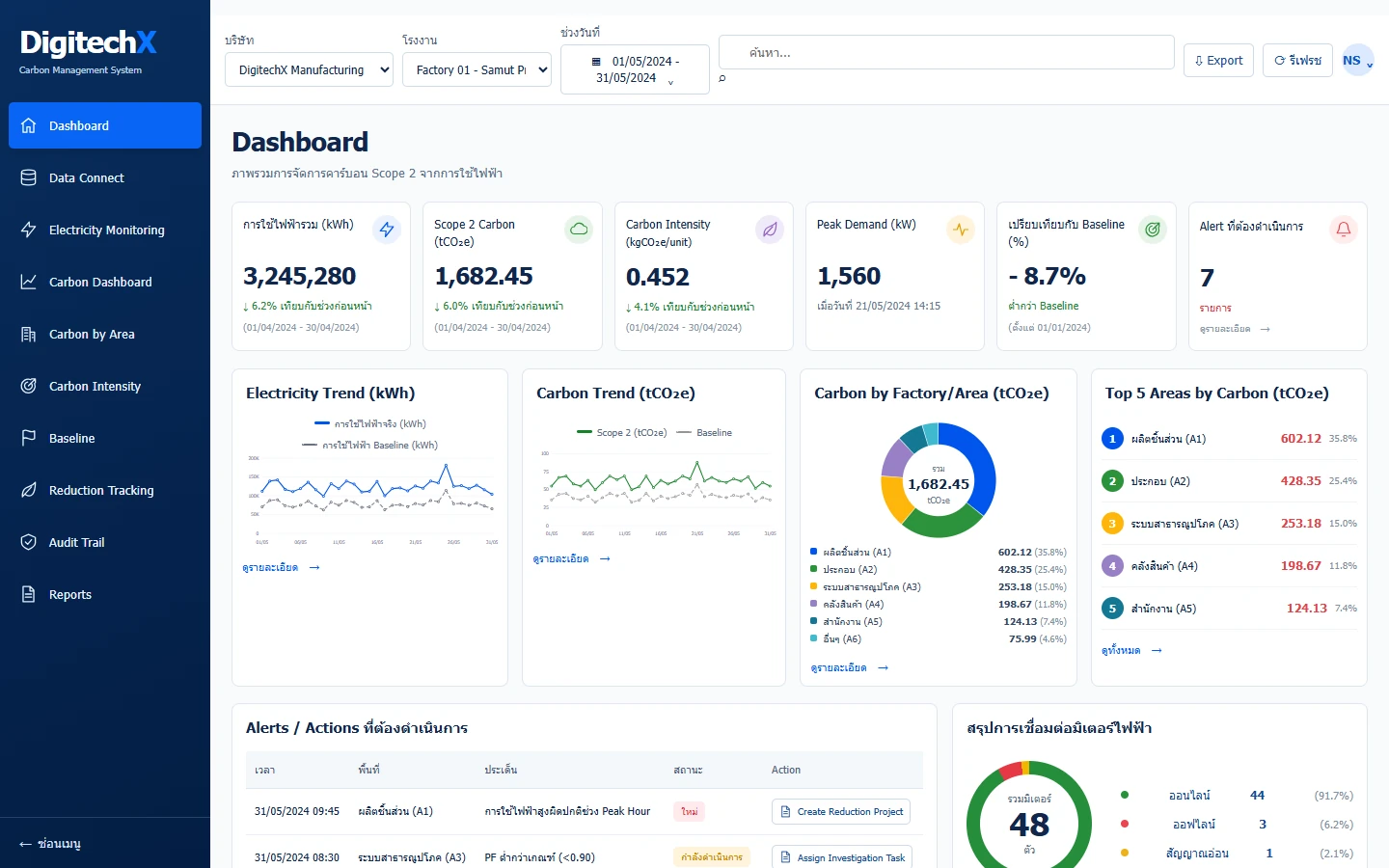
References
Information and sources reviewed: 8 October 2026